Indie App Catalog
Great apps from
independent developers.
A hand-curated catalog of 2,566 apps from 1,464 indie developers for Apple platforms. No big studios, just solo developers and small teams.

New Releases
IconSwapper
An icon studio for your Dock
Speakey
Speakey is a voice agent for the Mac.
Shotnamer – Screenshot Renamer
Named by content. No cloud.

Rip or Skip
Card tracker & buying insights

CornerForm
Rounded corners for any screen
Slopie: 3D Ski Map
Every run on the real mountain

Desky - Desktop Mode Switching
Unfold to Desktop Web Browsing
Tripod — Podcast Player
Inbox, Triage, Transcripts

Monlet
Network & System Monitor

Nameshot
Screenshots renamed in a blink

Bobara: Calm Moments & Boba
Japanese culture: tranquility

Blotkins
Drop ink. Fold. Meet someone.

Pelican: AI Chat Assistant
Ask anything. Get it done.
Sideleaf: Sticky Notes
Notes on your screen edge
Notelet: Paper Notes & Journal
Handwritten notebook & diary

DropTask
Distraction-Free Task Entry

Tide Chart & Times: Tidecast
NOAA Tides & Currents, Fishing
Allcaps: Word Puzzle
Offline word game, no ads
Recently Added
Key Press Counter: Notes
Typing stats & ambient sounds

Sudoku Mori: Daily Puzzles
No ads. Hints that teach.
Monlet
Network & System Monitor
Sunbend
Screen warmth and dimming on your schedule
IconSwapper
An icon studio for your Dock

Oobo: Doodle Photo Diary
A Photo a Day, Drawn in Crayon
PokePlant: Plant Care Journal
Houseplant Watering Reminder
Rip or Skip
Card tracker & buying insights
Slopie: 3D Ski Map
Every run on the real mountain
Animal Loop
Cute Arcade Ball Racing Game
TicToe Fury - Tic Tac Toe
Tic Tac Toe Reinvented

Odyz - Travel Tracker
Auto Trip Albums & Passport
Postage
Mac email your agents can work in
Shotnamer – Screenshot Renamer
Named by content. No cloud.
Speakey
Speakey is a voice agent for the Mac.
Yapa: Card Scanner & Collector
Free scans & TCG prices

Doko: Save Places & Guides
Your notes on the best spots
Tripod — Podcast Player
Inbox, Triage, Transcripts
News
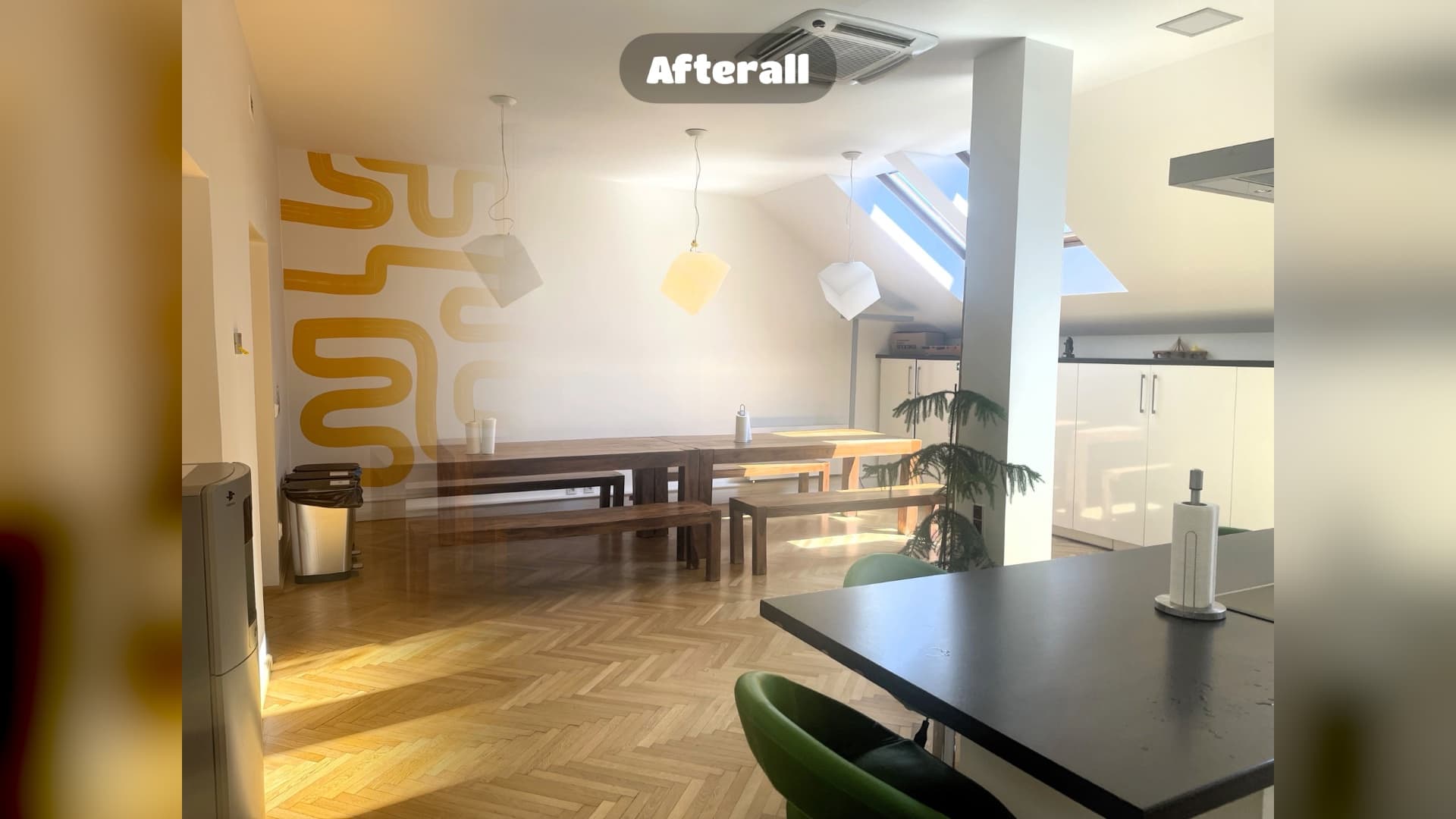
Afterall Photo 1.2: spots for every room
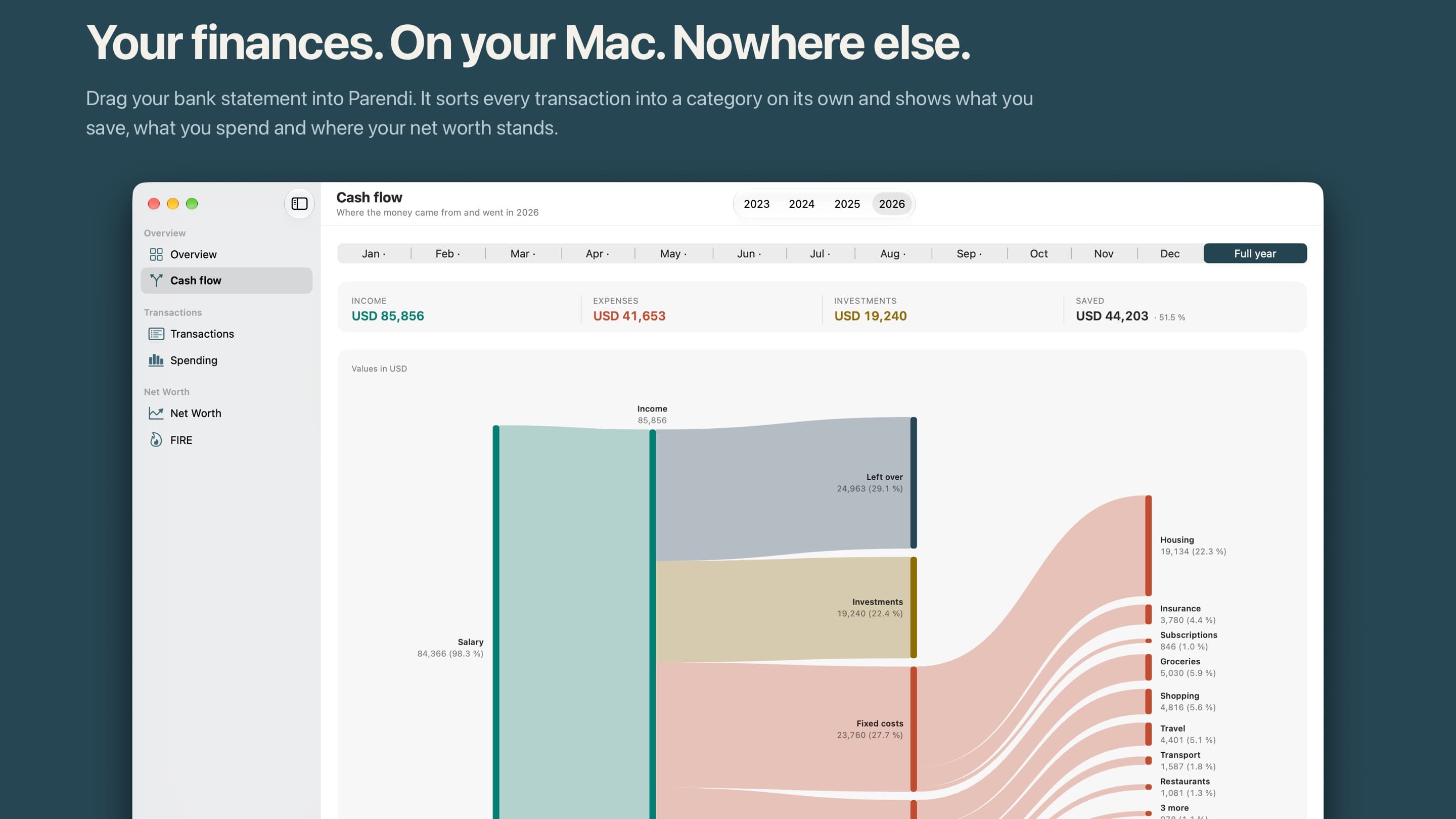
Parendi: a finance app for the Mac with no network access

A big leap for your movie watchlist: Filmlog 2026.9
Keep your Mac awake. Hide desktop icons. Focus active windows.
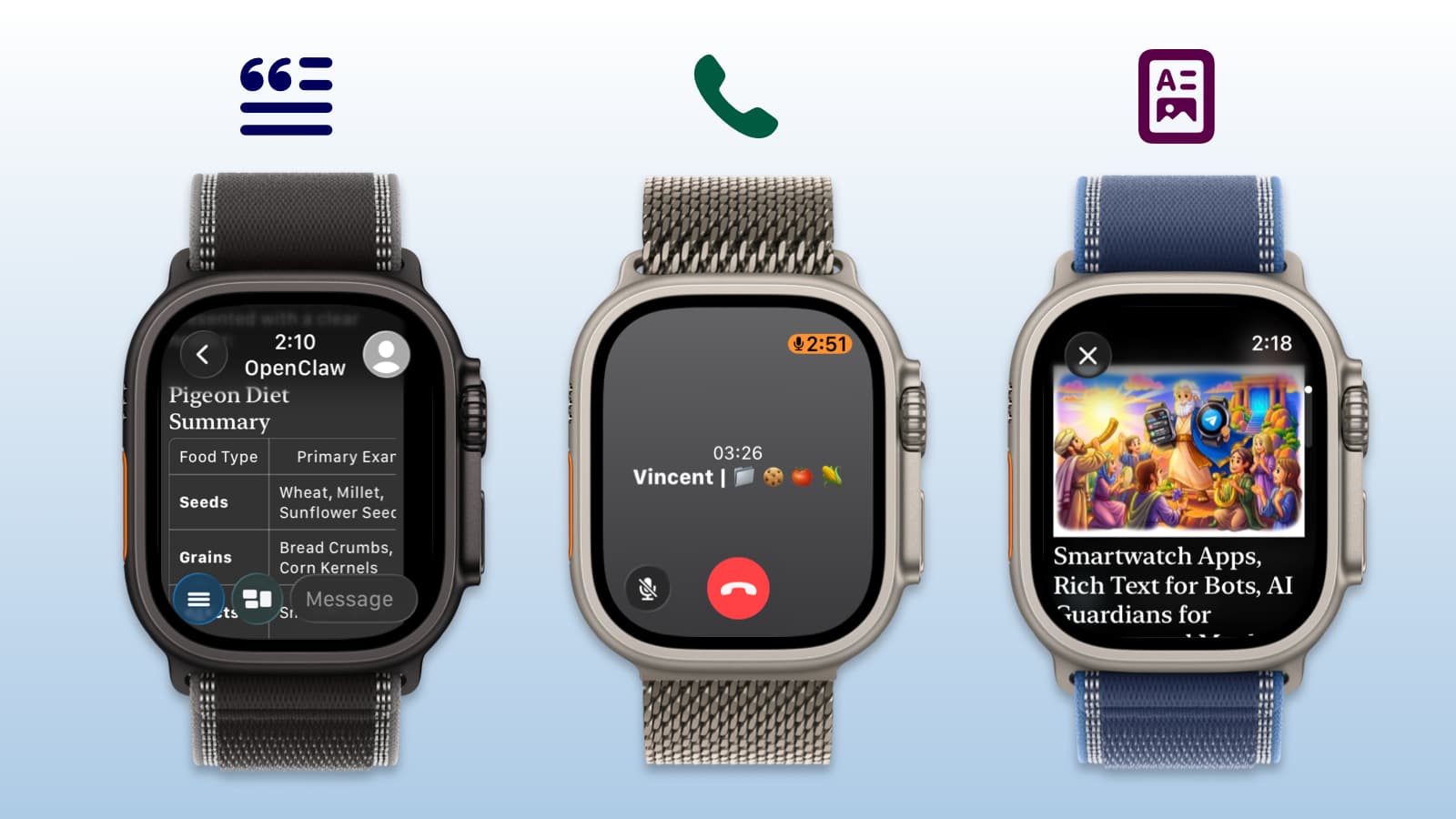
Pigeon 1.10: Telegram E2EE Voice Calls on Apple Watch
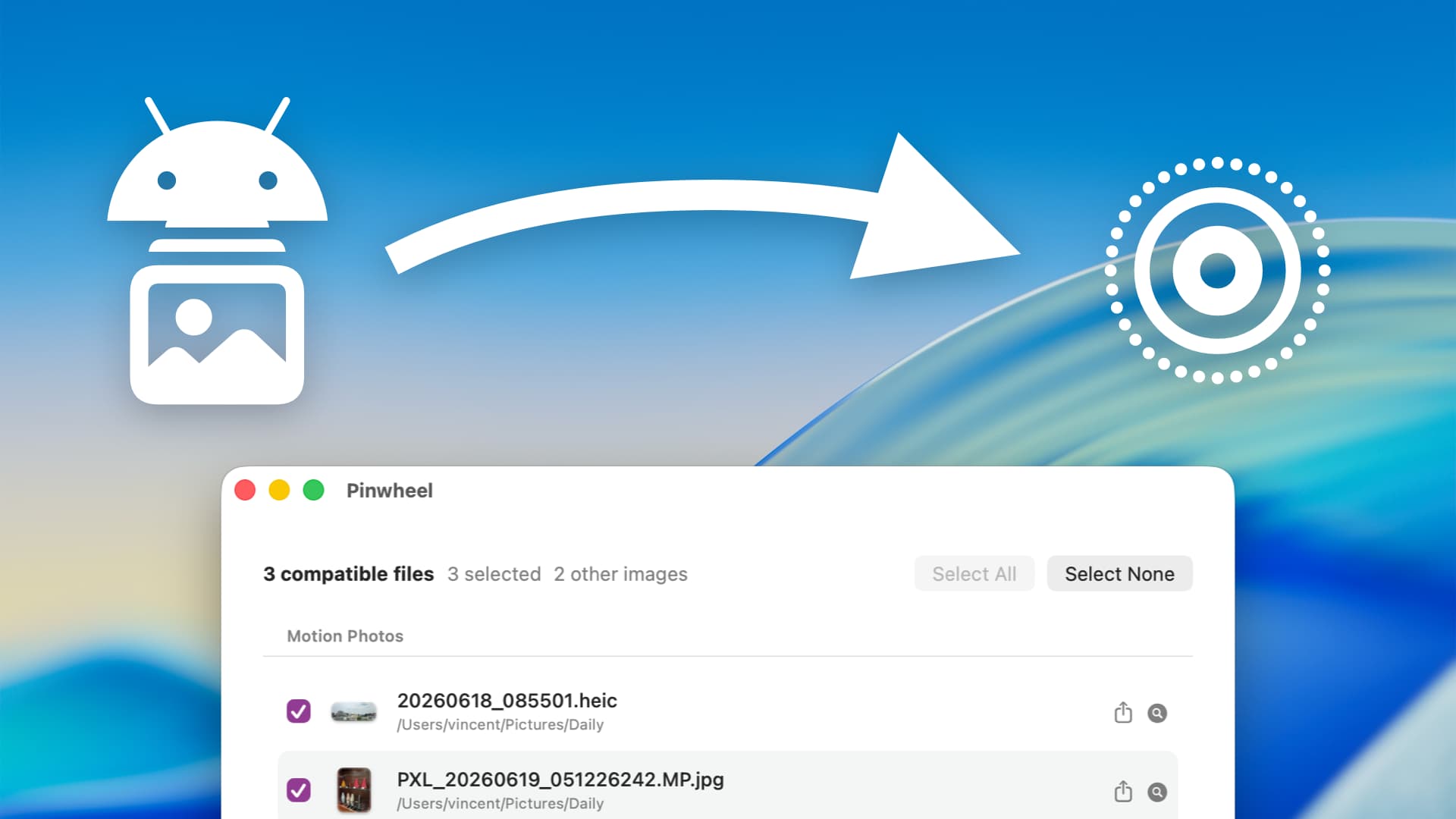
How to convert Android Motion Photos into Apple Live Photos
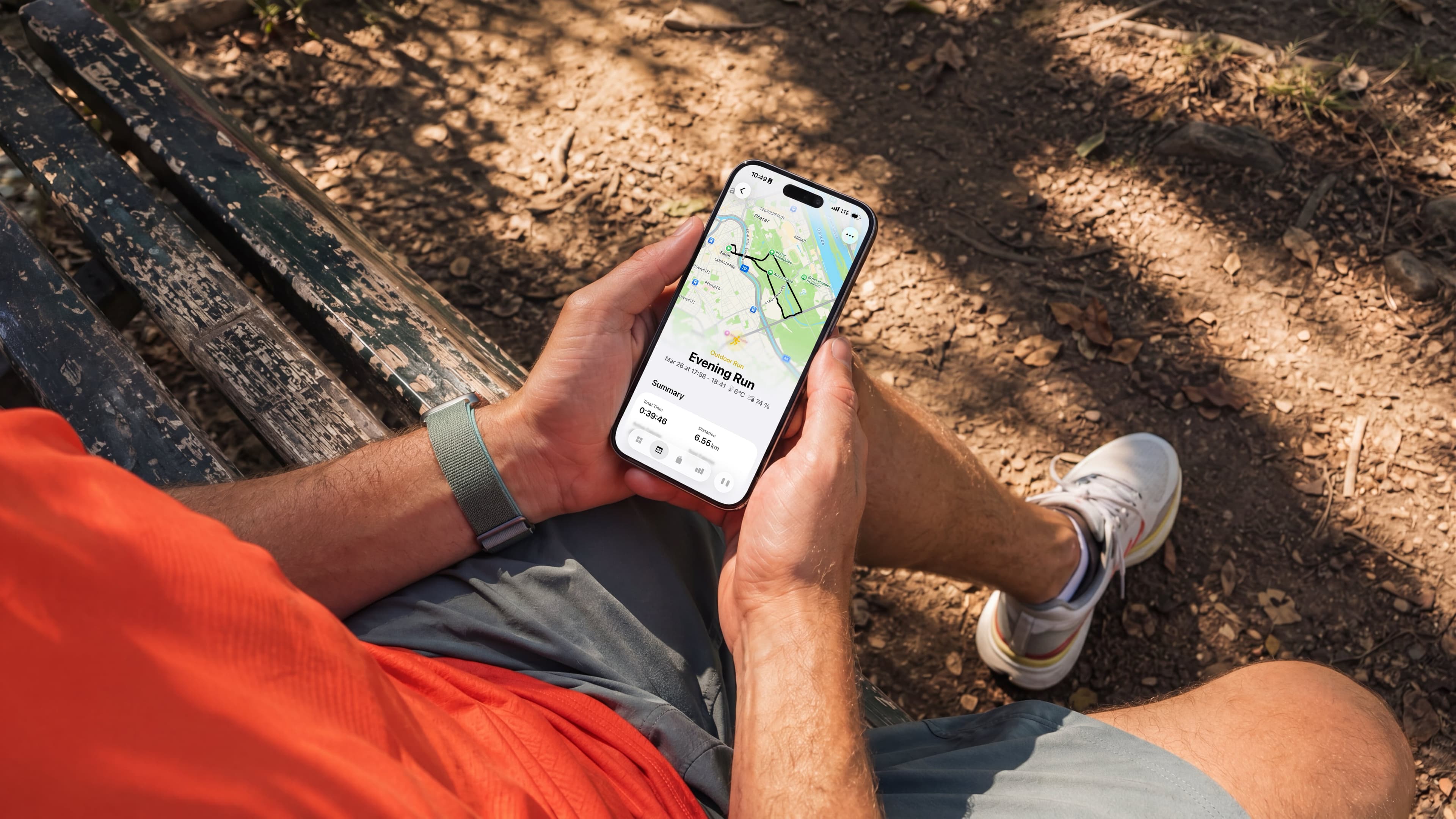
Whistle 2026.1: AI Workout Planner for iPhone and Apple Watch

11 PM. Open Suitcase. No Idea What I'm Forgetting.
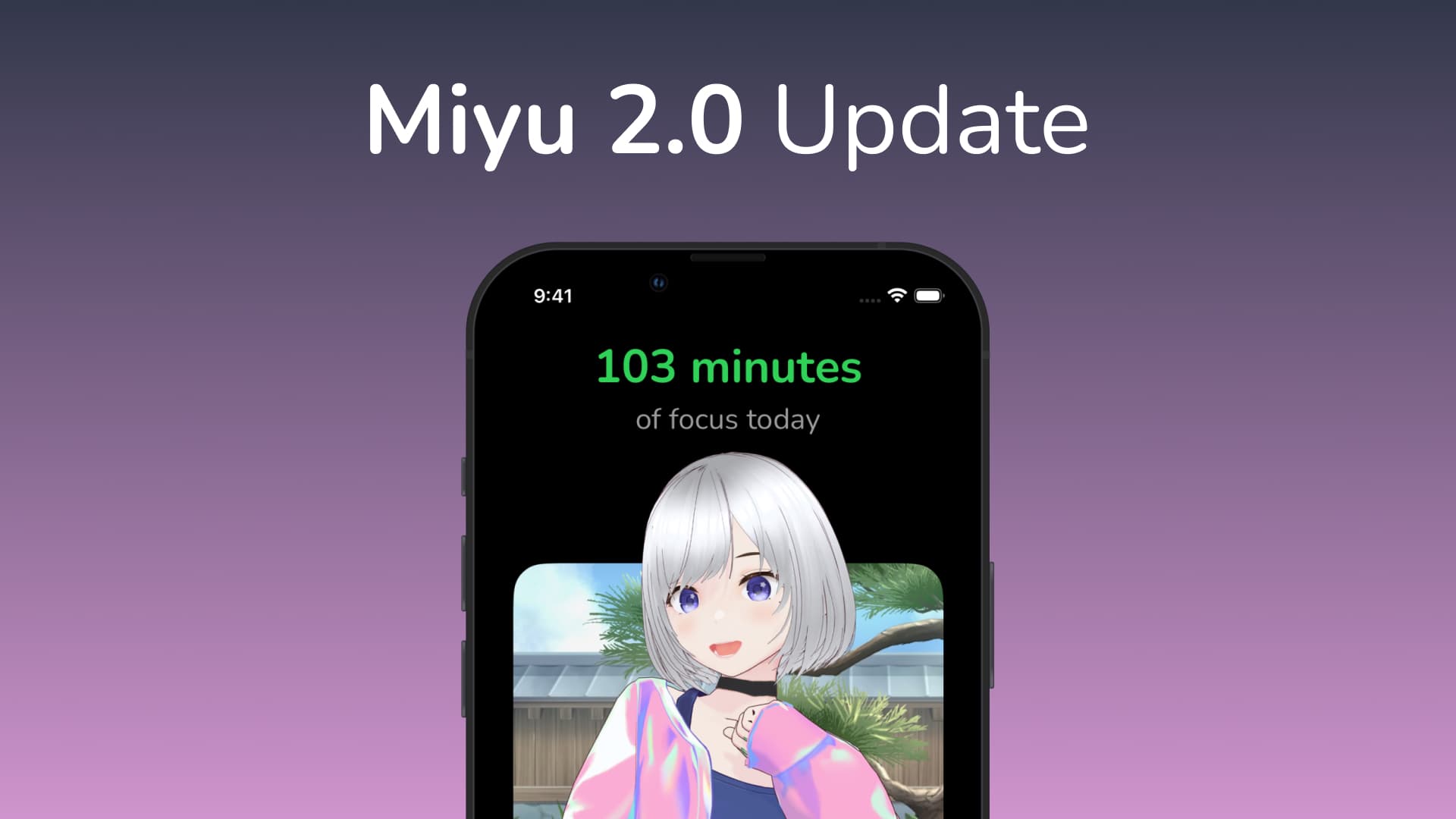
Miyu Focus Timer: New outfit, 5 new rooms, and more!
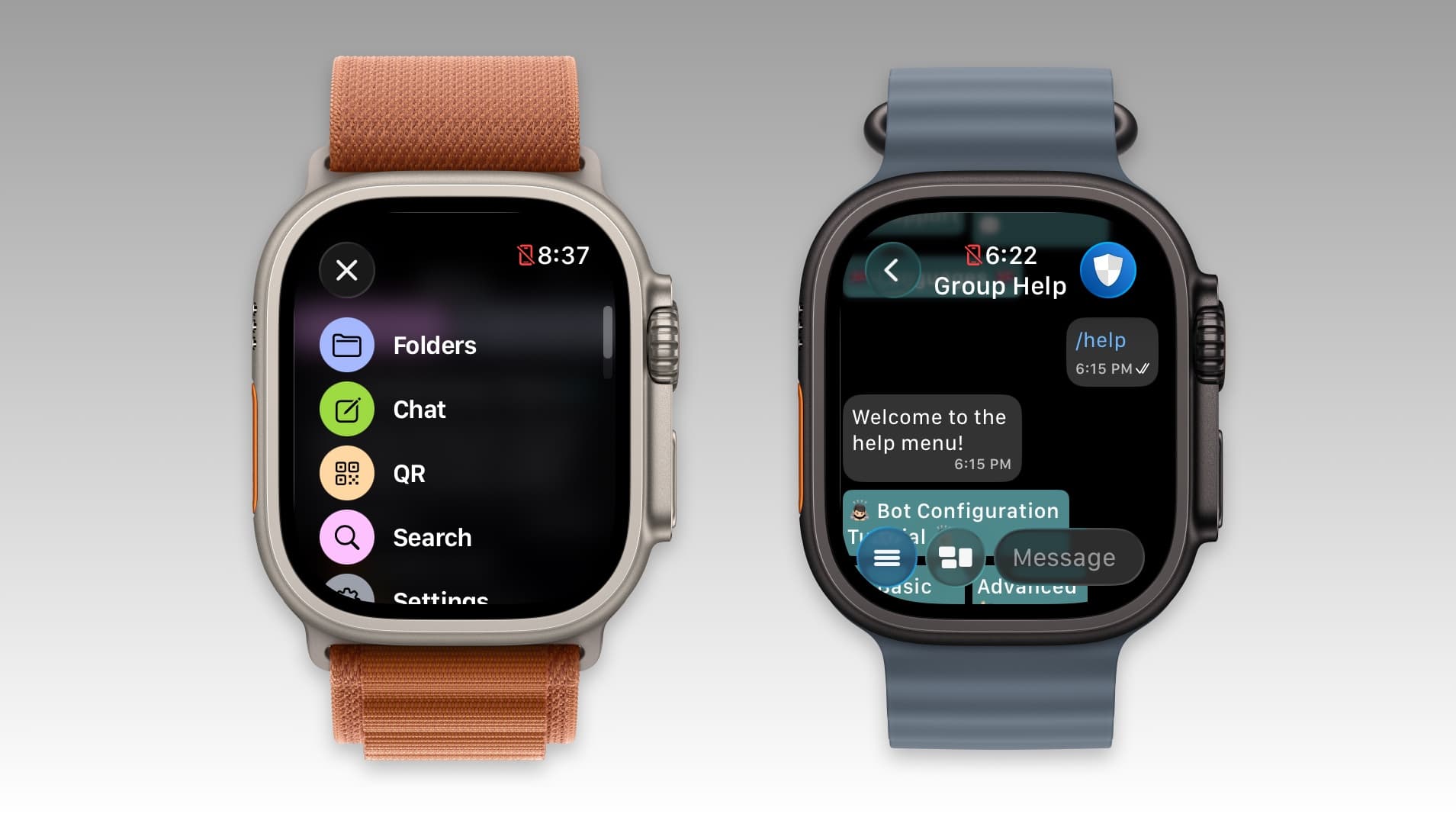
Pigeon for Telegram: Portuguese support, new menu and more.
Events

Waiting Out Winter

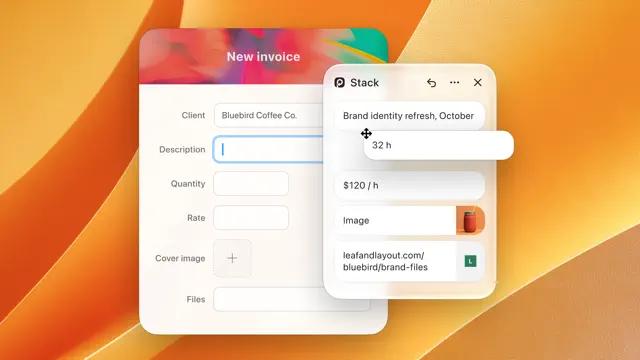
Paste Stack in New Shape

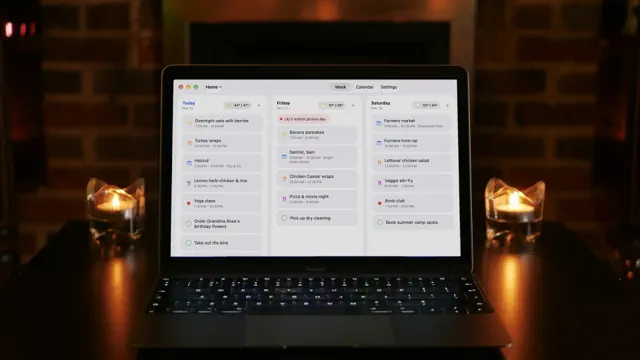
Week Ahead Arrives on Mac

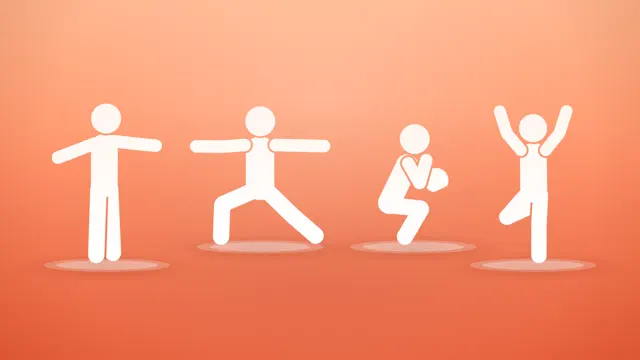
Streaks Workout 9


Close Out Your 2026 Mileage

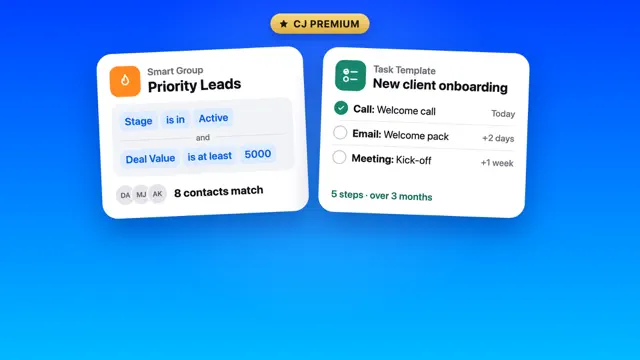
A Premium Plan for Power Users

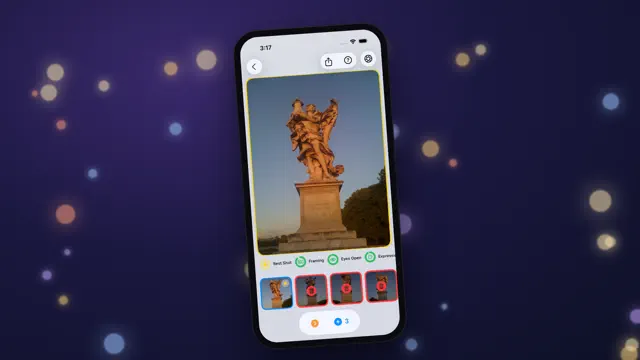
Make Room for Holiday Photos


2 Weeks Under Budget


Now Available in 22 Languages

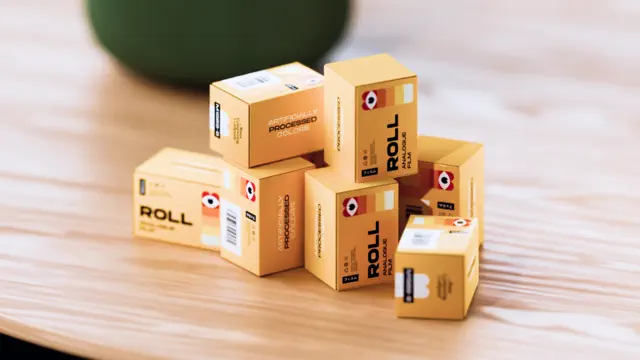
10 New Film Rolls to Unwrap

Coming Soon
Yapa: Card Scanner & Collector
Free scans & TCG prices
Pre-order · Nov 19
Sudoku Mori: Daily Puzzles
No ads. Hints that teach.
Pre-order · Dec 1

Brew: RSS & Newsletter Reader
Brew: Better RSS Reader

Beta

The Recipe Box To Go
Your perfect kitchen companion is ready for iOS 15. Take advantage of recipe scanning, instant import improvements, and interface enhancements from the new operating system. Please test importing and note any interface oddities.
Beta

Mythspire
Mythspire is a portrait, one-thumb survivor game with the charm of a toy box and the crunch of an arcade. You steer a hero through swarms of monsters, and your weapons fire on their own. Survive as long as you can across a thirty-minute run made of five chapters, ending in boss fights. Everything is done with one thumb: drag to steer, flick to dash, and double-tap to fire your hero's ultimate. Level up during a run to pick weapons and passives, open chests for rewards, and unlock new heroes. Each hero has its own look, starting weapon, trait and ultimate. The game is single-player, works offline, and has no accounts, purchases or ads. No login is needed. This is an early test build. Feedback is most useful on how the controls feel (steering, the flick dash, double-tap ultimate), whether the screen is readable when the crowd gets thick, difficulty, and anything that crashes, stutters or looks cut off on your phone or iPad.
Beta

Trimothy
Trimothy is the Apple native, lightning fast, get-in-and-get-out video editing app of my dreams. The idea is simple: I don't want to create a whole project and library for every little video edit I need to make. Sometimes I just want to quickly combine two videos together, tweak the playback screen, change the audio or music, or add captions to a video. With Trimothy you can do all of these things, export, and then close it out leaving no trace behind. The app is, generally speaking, ephemeral (though I could add some concept of saving project files if that's something people really want.). You can add files by importing, dragging and dropping, copy and pasting, right clicking and "Open with", or from the share sheet.
Beta

Mic Captions
Mic Captions turns spoken audio into easy-to-read captions in real time. Use your iPhone or iPad microphone to follow conversations, lectures, meetings, tv shows, and other spoken content. Mic Captions can also translate captions, save sessions for later review, replay recorded audio alongside the transcript, and help you navigate saved content with Topics and Words.
Beta

Atprosphere
Atprosphere - test Bluesky functionality.
Beta

Brim Browser
First version of Brim Browser with automatic status bar avoidance
Beta

Origami Desktop
Plug your iPhone into a display with USB-C, or connect via AirPlay, and it unfolds into a full desktop experience. Your iPhone becomes the trackpad. Use a Bluetooth keyboard, or keep typing with the virtual keyboard.
Beta

Gym Log: Free Workout Tracker
Gym Log is a workout logger app. Core Design & Interface * Native iOS Design: Built with native SwiftUI; looks and feels like a first-party Apple app. * Frictionless Logging: Custom input pad to log your sets quicker. * Live Activities: Log sets and view timers directly from the Lock Screen or Dynamic Island. Workout Tracking & Planning * Advanced Programming: Supports rep ranges, supersets, RPE, and 1RM percentages. * Smart Rest Timer: Adjusts per exercise, follows supersets, and features quick-add/subtract buttons. * Workout Notes: Add comments and notes to specific exercises or entire workouts. * Presets: Long-press to quickly add customizable warmup or training presets (e.g., 3x5 @ 80%). 1RM & Volume Analytics * Auto 1RM Tracking: Automatically updates your training 1RM when you progress. * 1RM Formulas: Includes multiple estimation equations (Epley, Brzycki, etc.) and a tool to fit the best equation to your data. * Fractional Volume Tracking: Tracks volume per muscle group, including fractional sets (e.g., bench press counts as 0.5 volume for triceps, etc). * Charts & Heatmap: Visualizes training volume via long-term charts, weekly overviews, and a body heatmap. * Progress History: Tracks 1RM, max weight, max reps, and set counts over time. * Plate Calculator: Quick-access tool for calculating barbell plate loads. Data & Sharing * Local Storage: Built entirely on Apple's Core Data. * JSON Backup: Full JSON import and export capability. * Markdown Export: Export workouts and templates as markdown files for easy sharing.
Beta

Canvases
Canvases lets you design widgets and update them through Shortcuts.
Beta

Wonder Coffee
Wonder Coffee is your personal coffee journal and guide to specialty coffee places. Keep track of your coffee beans, save brewing recipes, and record the cups you make. Discover cafés, mark places you want to visit, and remember your favorites. During the beta, please share feedback on everyday use, anything that feels confusing, and any bugs you encounter. Screenshots and a short description of what happened are especially helpful. You can send feedback directly through TestFlight.
Beta

Snack: Bookmarks with RSS
An RSS-enabled and browser-focused bookmarking app that helps you keep track of your favorite sites. Allows users to add favorite or frequently visited sites, monitor when they have new content via RSS feeds, and quickly visit those sites. Includes an optional Safari extension to monitor when and how often you've visited your favorite sites and mark RSS items as "read" based on browser visits.
Beta

Function Keyboard
Function is an iPhone keyboard that types like the stock one, with AI tools on a bar above the keys: autocorrect, predictions and dictation. Add it in Settings > General > Keyboard > Keyboards and turn on Allow Full Access for the AI features.
Beta

Sumi: Graph-based Outline Note
Sumi is a native outliner for Mac, iPhone and iPad that works directly on your Logseq Markdown graph: plain files in a folder you choose, or in iCloud Drive. No database migration, no account, no sync subscription. Journals, pages, links, backlinks, block references, tasks, queries, namespaces and properties work as in Logseq, and the files stay readable by Logseq, Obsidian and any text editor. This is a beta. Sumi edits your files in place, so please try it on a copy of your graph first, or start with the sample graph. Running Logseq on the same graph at the same time is not supported: close one before using the other.
Beta

Glimshelf
Glimshelf is a privacy-first, offline-first comic and manga reader for your own library on iPhone and iPad. It needs iOS or iPadOS 18 or later. The beta is free, with Pro included throughout testing. Start with one of the included sample comics. No account or server setup is needed. Read a few pages, enlarge some lettering, then close and reopen the book. Was anything hard to find? Did you return to the page you expected? If you already use Komga, Kavita or OPDS, you can connect your library too. Try downloading a book and reading offline, then check your saved position after reconnecting. Glimshelf also opens local CBZ, CBR, CB7, PDF and EPUB files. Please use content you have permission to test. Tell us what worked and what got in the way through Send Beta Feedback in TestFlight or support@glimshelf.com. For a problem, include your device and OS version, what you tried and what happened. Use sample content in screenshots and remove private information. Never include passwords, tokens, private server URLs, filenames, titles, page images or account identifiers. This is beta software. Background downloads and sync depend on system scheduling and connectivity. Glimshelf does not upload local diagnostics automatically; Apple/TestFlight may separately collect enabled beta feedback and crash data under Apple's controls. See this build's What to Test notes for the detailed checklist.
Beta

Brew Coffee
Please try making Hario V60 or Chemex. The current recipe is set to a 1 : 17 ratio for coffee : water. I'll be exposing this as a recipe setting in an upcoming version.
Beta
Anniversaries
Mass Rename: File Batch Rename
Change file names easily
10th Anniversary

PDF Eye: Scanner & Editor
Scan, OCR, edit & sign PDFs
6th Anniversary

Block Spam Texts | Dont Text
Free Junk SMS Message Filter
6th Anniversary

Cookie DNT Privacy for Safari
Block & delete site trackers
5th Anniversary

FitBee Calorie & Macro Counter
Free, fast, no-ads tracker
3rd Anniversary

Stoicism - Praxis
Daily Stoic, Journal
2nd Anniversary

GP Next Race
Next F1 Race Widget
2nd Anniversary