
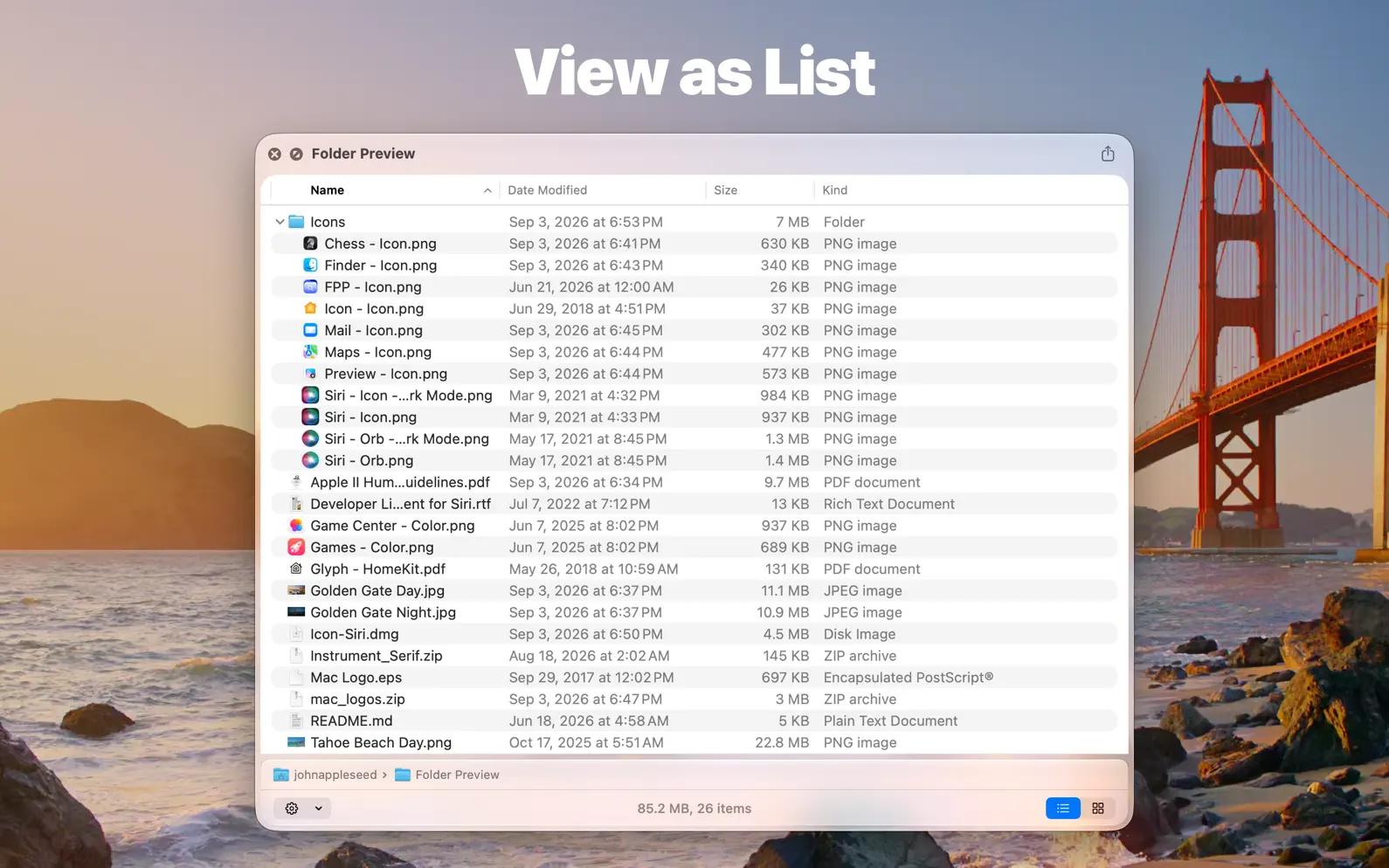
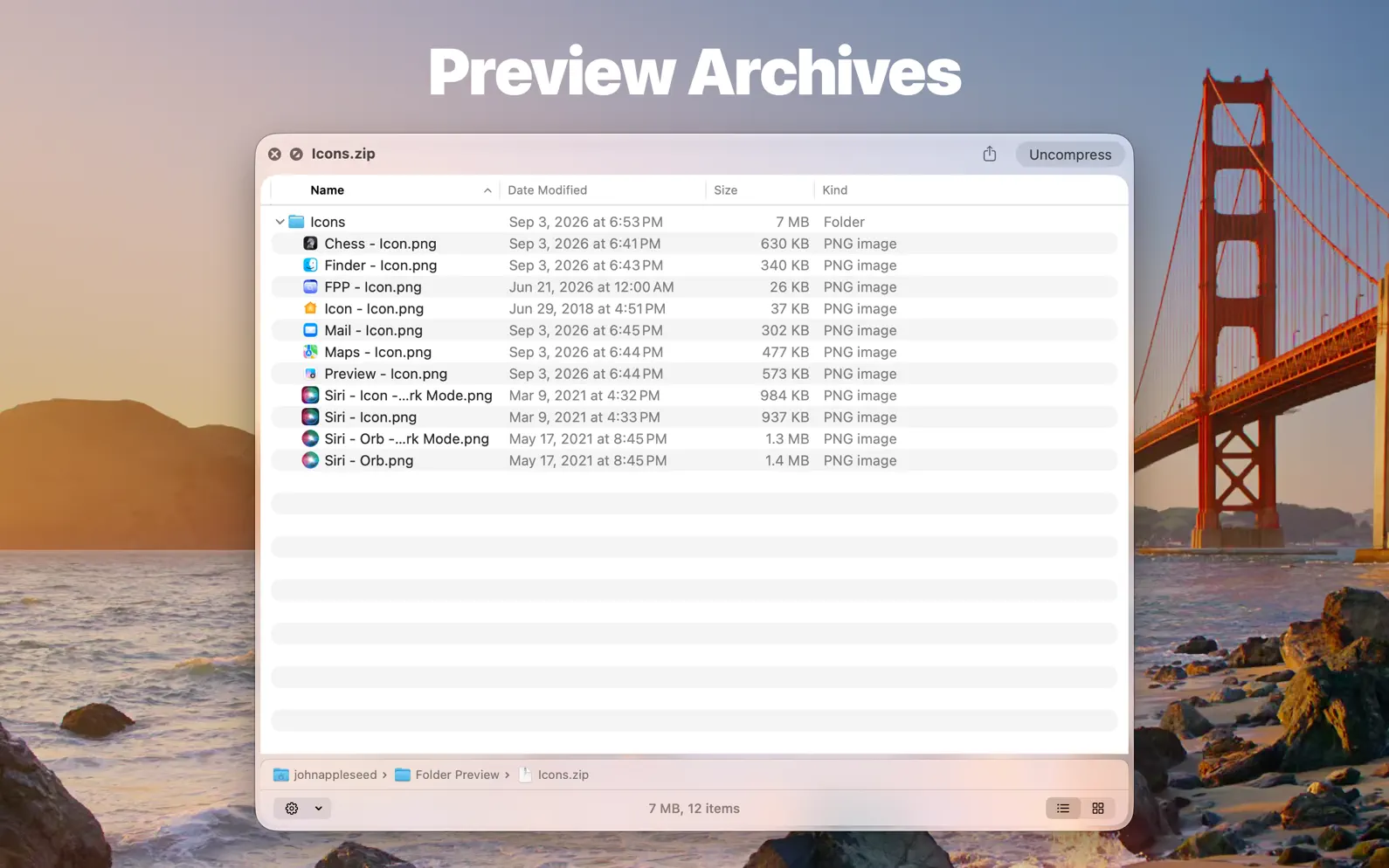


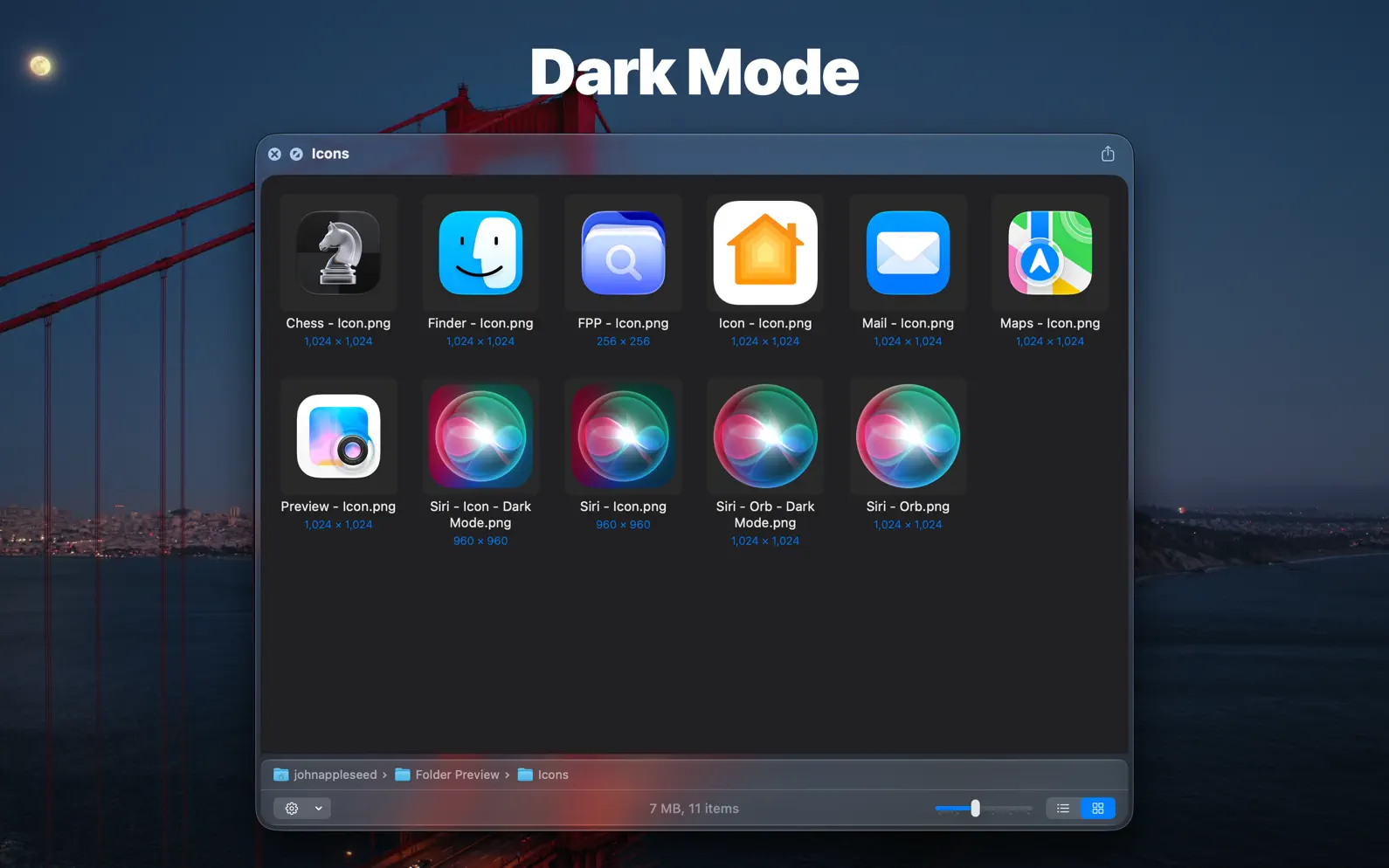
You can quick look inside folders and archives with Folder Preview in Finder or any other third-party file management apps. Before started, you will have to enable the Quick Look extension in System Settings. Then you can press spacebar or ⌘ + Y to quick look folders or archive files in Finder or other apps. You can also right-click the column header to show or hide columns. Right-click to copy file or file path is also possible. Folder Preview also supports showing thumbnails of images, SVGs, and PDF documents. ## Supported file extensions of archives - zip - tar - gz - 7z - rar
- Fix some minor issues.
Quick Look Extension for Folders and Archives
EPS Files Quick Look & Thumbnails

Count down to what matters
Fast, private, fully offline

Save and Organize Links

Readable Markdown Files

Display & Convert Time Zones

Quick Look Source Code & JSON

Share text and files
LaTeX, Markdown flash cards
AdApp's data is regularly updated.
Last update: