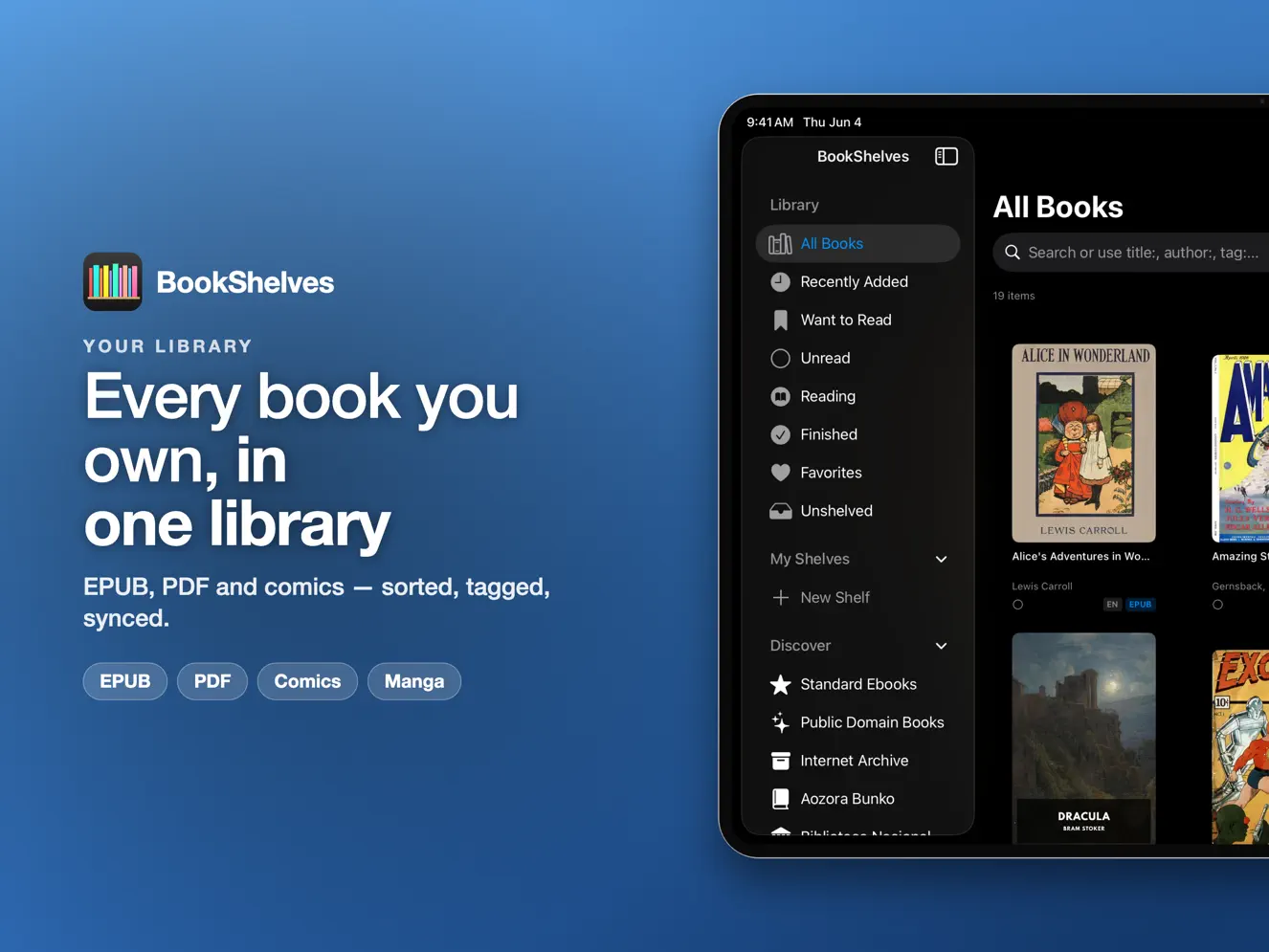

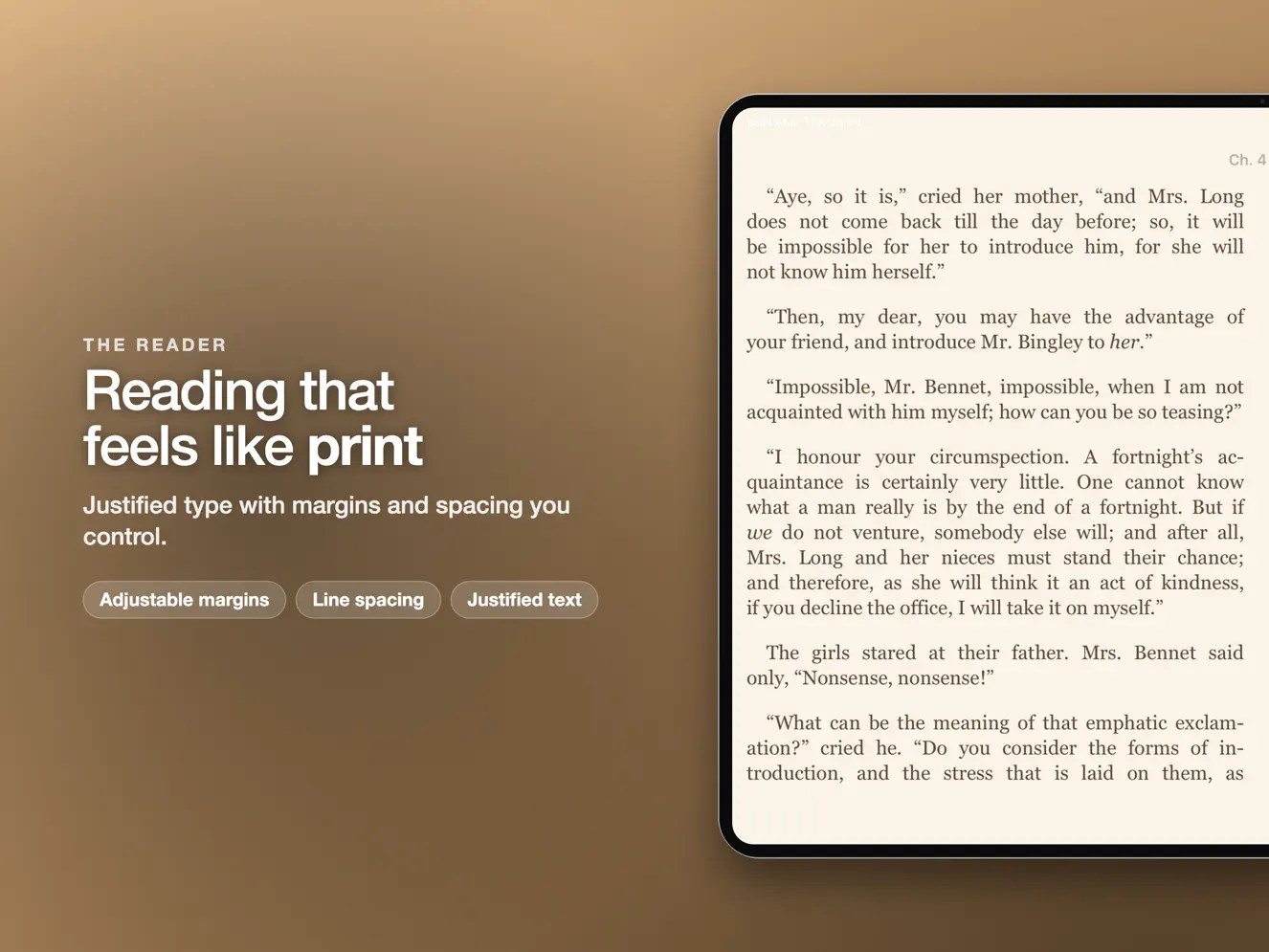


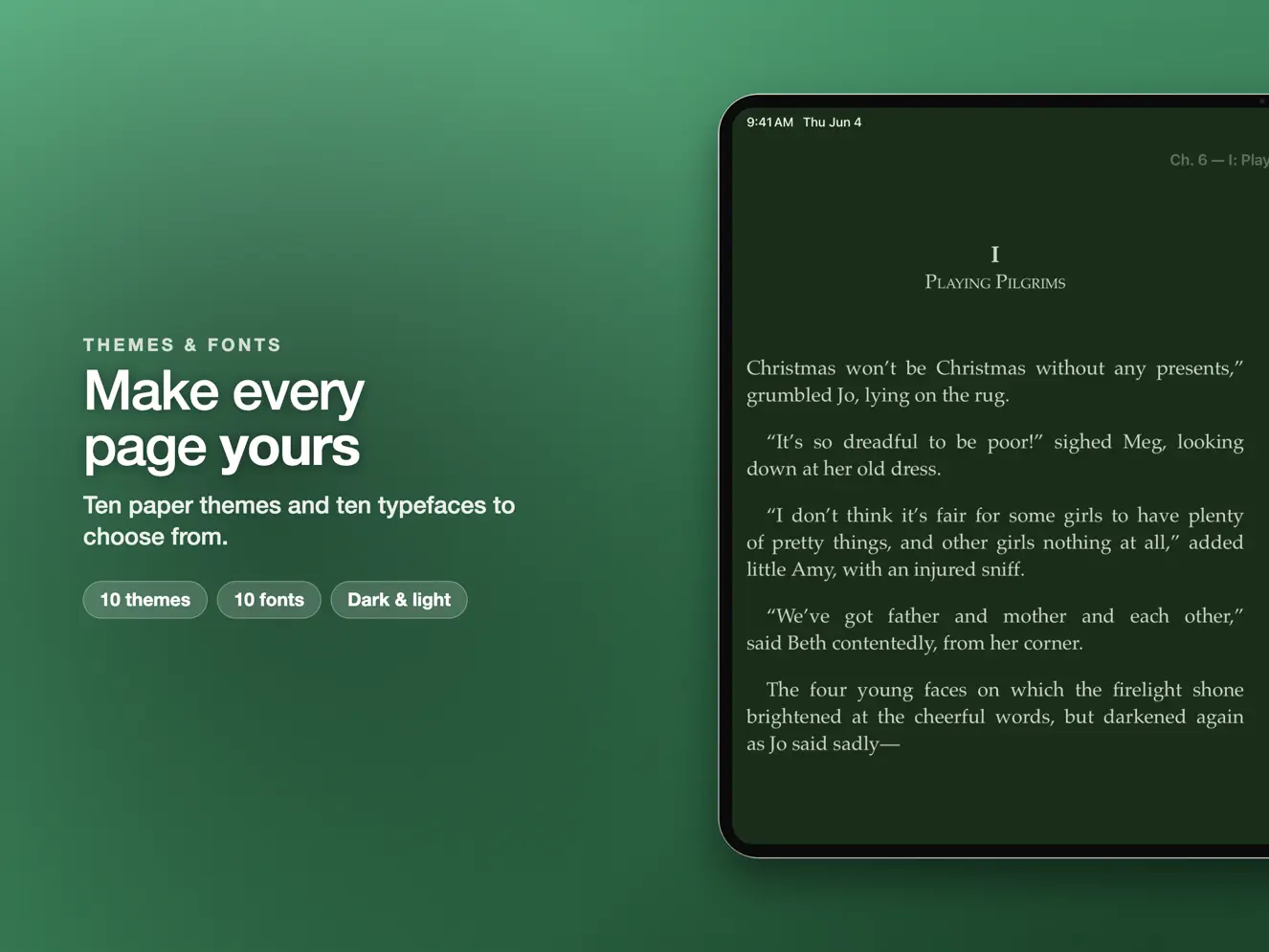
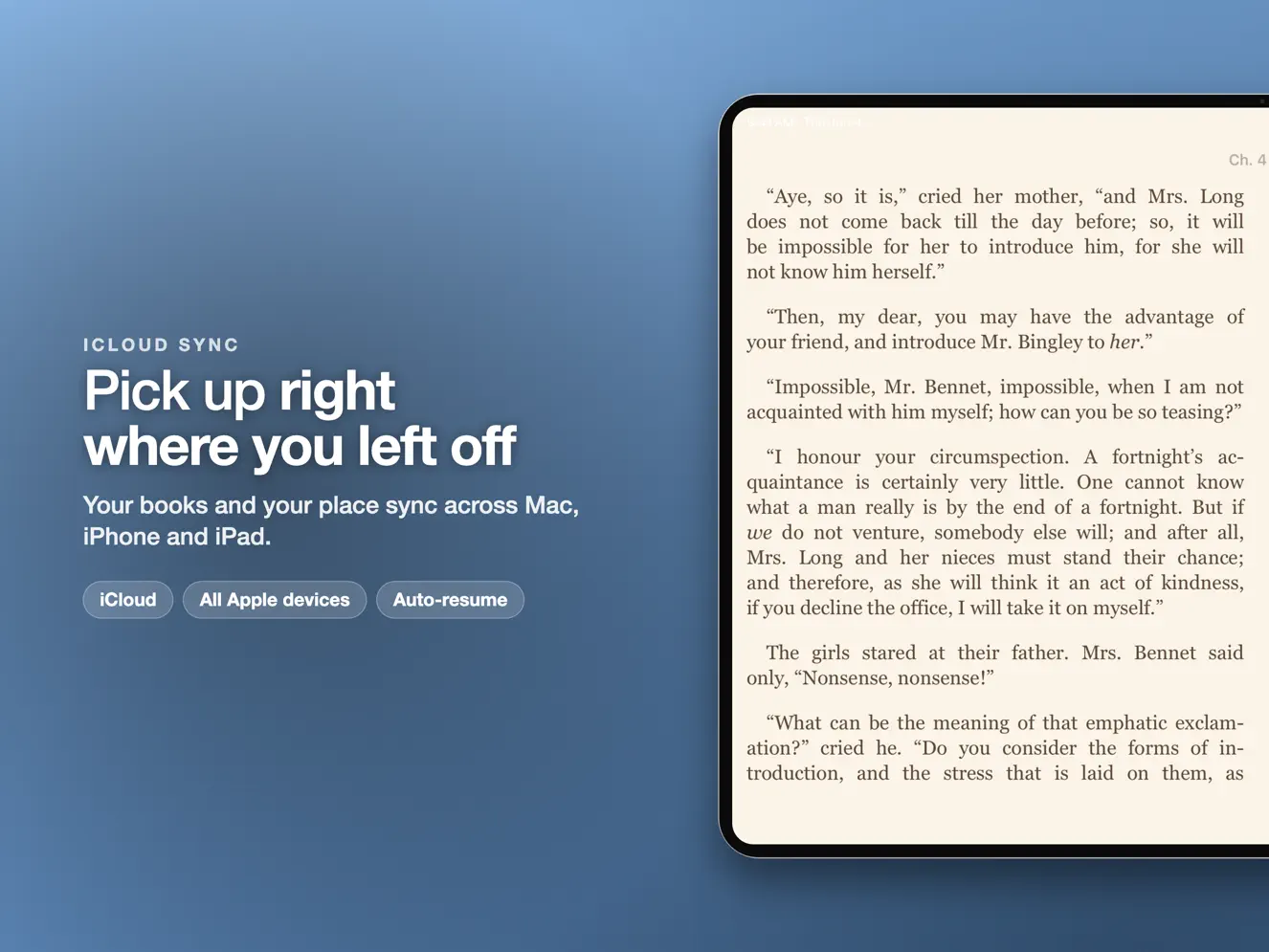


BookShelves is an EPUB, PDF, and comic book reader with a built-in catalog of 1.5 million free books. Discover public domain classics, organize your digital library, and sync seamlessly across iPhone, iPad, and Mac with iCloud (Pro). WHAT READERS SAY "Phenomenal book reading and management app, 'just works'." "My everlasting search for the perfect ePub reader might be coming to an end." "Among the best and actively developed." DISCOVER 1.5 MILLION+ FREE BOOKS • 1.5 million+ classic works — Pride and Prejudice, Moby Dick, more • 1,100+ premium editions from Standard Ebooks • Internet Archive — millions of historical texts and rare books • 1,200+ Spanish classics from the Biblioteca Nacional de España • 16,000+ Japanese classics from Aozora Bunko • Browse OPDS catalogs from external libraries and servers One tap to download. No account required. POWERFUL READING EXPERIENCE • Paginated or continuous scroll — read your way • 10 themes including Sepia, Dark Academia, Night Sky, and more • 10 bundled fonts including OpenDyslexic for accessible reading • Adjustable line spacing, margins, text justification, and font weight • Highlight in 5 colors and add notes to any passage • Export highlights to Markdown, JSON, or CSV • Dictionary look-up with language detection • Full-text search across chapters • Nested table of contents navigation • Bookmarks (iCloud sync with Pro) • Vertical text (tategaki) for Japanese and CJK books • Right-to-left reading for Arabic, Hebrew, and CJK texts • Full keyboard and trackpad support • Multi-window reading on Mac COMIC BOOKS AND MANGA • CBZ, CBR, and CB7 format support • Two-page spreads for landscape reading • Right-to-left mode for manga with reversed tap zones and swipes • Auto-detected from metadata or toggled manually SEAMLESS ICLOUD SYNC (Pro) • Books and cover images • Reading progress and current page • Shelves, tags, and ratings • Highlights, notes, and bookmarks • Reader preferences (font, theme, layout) SMART LIBRARY MANAGEMENT • Edit metadata -- title, author, publisher, ISBN, and cover image • Automatic metadata and cover art fetching • System shelves: All Books, Recently Added, Reading, Finished, Favorites • Custom shelves for any collection • Color-coded tags for categorization • Search and filter by title, author, or tag • Grid and list views • 5-star ratings • Drag-and-drop import, Files app sharing, or OPDS catalogs • EPUB repair — auto-fixes broken navigation and missing metadata • Import from Calibre libraries with best-format selection FORMAT SUPPORT • EPUB — professional rendering with beautiful typography • PDF — native viewer with smooth scrolling and search • CBZ / CBR / CB7 — comic book archives • FB2 — FictionBook 2 format (auto-converts to EPUB) • MOBI / AZW3 / KF8 / KEPUB — auto-converts to EPUB for reading • TXT / Markdown — plain text and Markdown files (auto-converts to EPUB) MAC EXTRAS • Calibre wireless sync — connect KOReader or other devices over Wi-Fi • OPDS server — share your library on your local network PRIVACY FIRST • Your books stay on your devices and in your own iCloud • No data linked to you, and no tracking • No ads — clean, distraction-free reading • iCloud keeps your library private and secure FREE AND PRO Free: 10 books with the core reading features. Pro unlocks unlimited books, all 10 themes, iCloud sync, email to Kindle/PocketBook, highlight export, and OPDS server. Pro is available as a one-time purchase or subscription (monthly/annual, select regions). Subscriptions auto-renew unless canceled at least 24 hours before the end of the current period. Manage subscriptions in Apple ID account settings. Privacy Policy: https://getbookshelves.app/privacy/ Terms of Use (EULA): https://www.apple.com/legal/internet-services/itunes/dev/stdeula/ Terms of Service: https://getbookshelves.app/terms/ All books from discovery sources are public domain or openly licensed.
iPhone Duo -- BookShelves is ready for iPhone Duo. Your library and books look right on both the inner and the outer screen, and two-page spreads meet neatly at the fold. On the inner screen, read your books one page or two at a time. Two-Page Spreads -- Reading feels more like holding a real book. The new Book Fold setting adds a soft shadow down the middle of books, PDFs and comics, and on iPhone and iPad the book's title sits over one page and the chapter over the other. On iPad in landscape, choose one page or two. Contents -- Always know where you are. The Contents list shows the page each chapter starts on, and search results, bookmarks and highlights show their page too. Library -- Titles sort the way you count, so Volume 2 comes before Volume 11. Create a shelf or tag while adding books and they land in it right away, and on iPad a shelf with sub-shelves opens with a single tap. Import -- Bring in more of your collection. Even books with the same title and author, such as a second edition or separate volumes, now import as books of their own, and zipped FB2 books and Markdown files now import when you choose them, drag them in or, on Mac, import their folder. Chinese text files no longer come in as Korean, and text with accented letters no longer turns into Chinese or Korean characters. Downloads -- Big books download from OPDS catalogs and Calibre without stopping halfway, even on a slow connection. Catalog pages stay as you left them when you go back, and Select All picks every book on the page. Comics -- Manga marked for right-to-left reading opens that way, and on iPhone and iPad comics fill the whole screen. Keyboard -- Turn pages at the press of a key. On iPad, the arrow keys page through books, PDFs and comics in the book's reading direction, and on Mac, Space and Shift-Space page through PDFs and comics. Mac -- Importing a folder starts by asking which one, and the import window clearly shows which books are already in your library. Reader -- More room for your book: on iPhone and iPad the status bar hides along with the reader controls, and the close and menu buttons get the new glass look. Footnotes and links take you to the right chapter, highlights that continue onto the next line or paragraph now come back in full, and Japanese and Chinese books keep the page direction you choose. PDF -- PDFs are more stable, and page turns on iPhone and iPad feel smoother and more reliable. Fixes -- Fixed a crash when opening a Discover source on iPad and Mac, plus many smaller improvements across the app.
| Size | 64.3 MB |
|---|---|
| Initial release | |
| Price | |
| Platforms | Mac, iPhone, and iPad |
| Languages | Arabic, Catalan, Croatian, Czech, Danish, Dutch, English, Finnish, and 25 more |
| Category | Books |
| Website | getbookshelves.app |
| Compatibility | |
|---|---|
| iPhone | Requires iOS 17.4 or later. |
| iPad | Requires iPadOS 17.4 or later. |
| Mac | Requires macOS 14.4 or later. |
| Apple Vision | Requires visionOS 1.1 or later. |

Simple reading log & shelves
CBZ, CBR & PDF reader, no ads

Reading Log, Shelf TBR Library
Reading log, journal & stats

The best comic & manga reader
Book tracking and cataloging
LaTeX, Markdown flash cards
AdApp's data is regularly updated.
Last update:

