

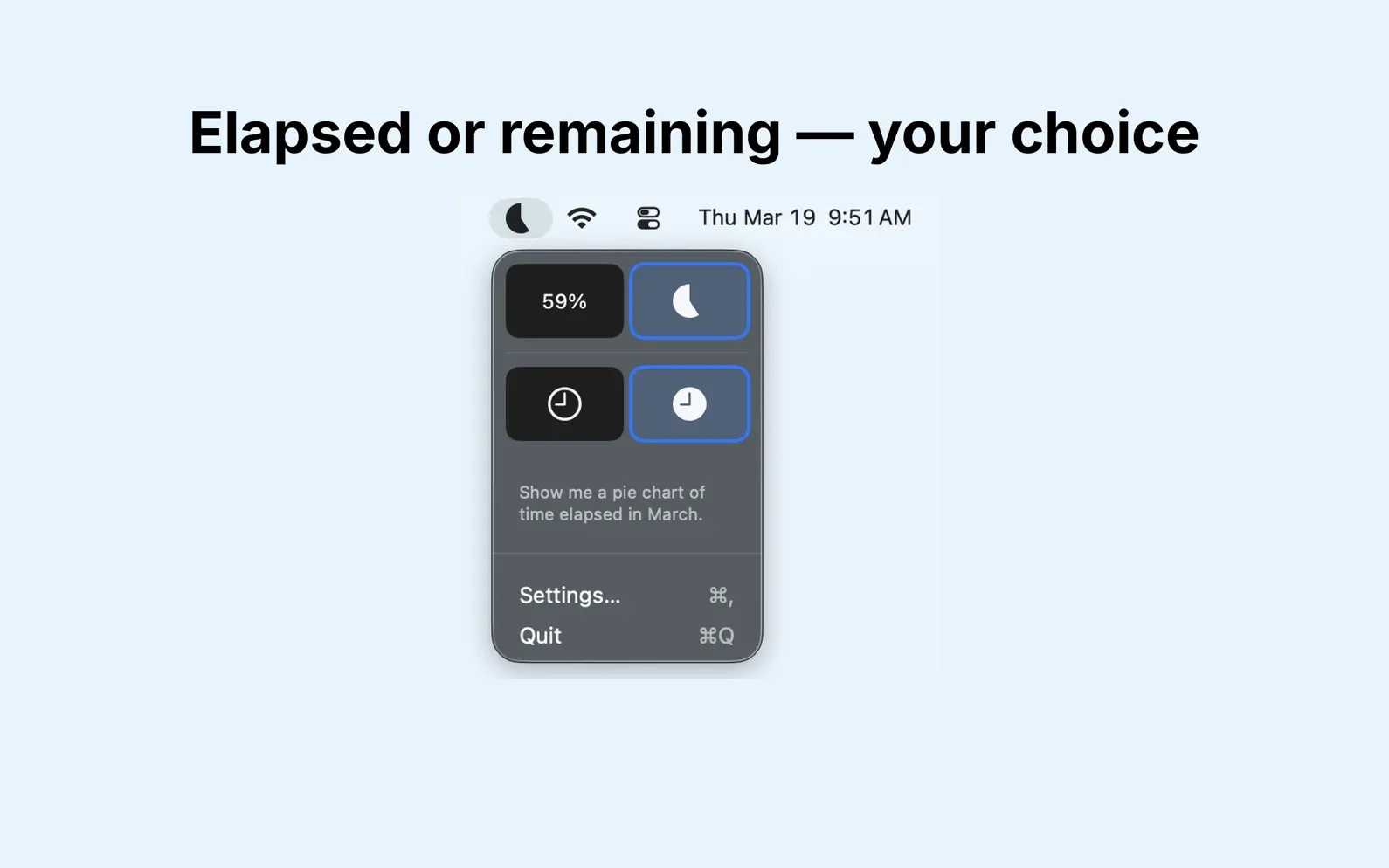


Stay aware of how much of the month has passed with MonthBar, a minimal macOS MenuBar app that shows your monthly progress at a glance. **Simple Month Tracking** MonthBar displays the current month's progress right in your MenuBar. See at a glance how many days have elapsed or remain in the month. **Two Display Styles** Choose between: - **Pie Chart**: Visual arc showing your month's progress - **Percentage Text**: At-a-glance numeric display **Customizable Display** Toggle between viewing: - **Remaining time**: See how much of the month is left - **Elapsed time**: See how much of the month has passed **Privacy-First Design** MonthBar is a lightweight app that respects your privacy: - **No network connection** - All calculations performed locally - **No data collection** - Zero analytics or tracking - **No accounts required** - Just install and use - **Settings stay local** - Preferences stored only on your device **Perfect For** - Monthly goal tracking - Budget period awareness - Project deadline visualization - Time management awareness - Habit formation - Monthly planning **Features** - Live MenuBar icon updates automatically - Two icon styles (Pie Chart, Percentage Text) - Toggle between remaining and elapsed time - Full Light and Dark mode support - Respects your system accent color - VoiceOver accessibility support - Minimal system resources - Native macOS app built with SwiftUI **Simple and Focused** MonthBar does one thing well: shows you where you are in the current month. No complexity, no distractions, no feature bloat. Just clean, simple month progress tracking.
No release notes found
LaTeX, Markdown flash cards
AdApp's data is regularly updated.
Last update:

Month calendar, one click away
Time's Tally, No Dilly-Dally

Widgets, Progress & Reminders

Minimalistic to-do & pomodoro

Compact, continuous weeks view

No frills, just a countdown


