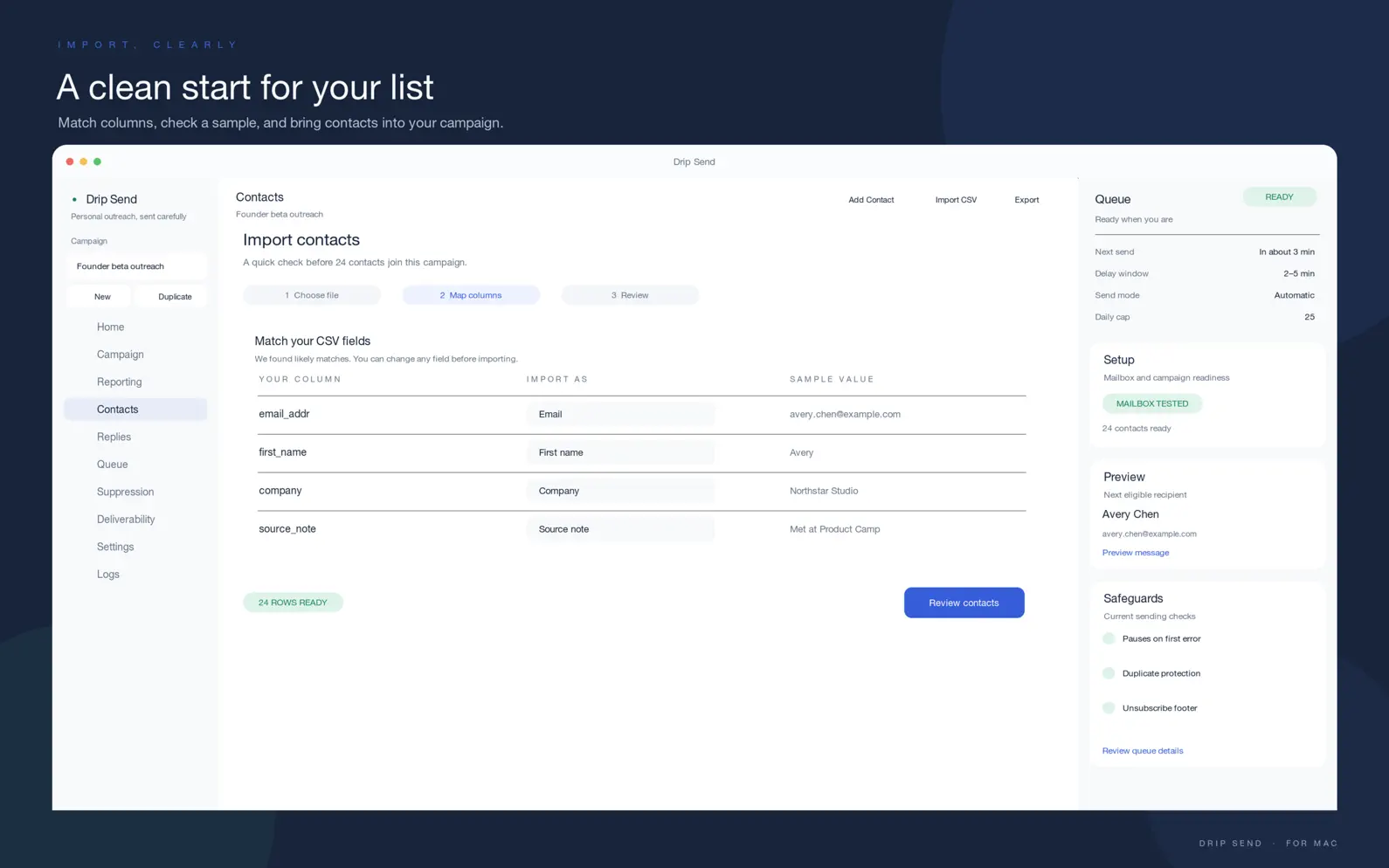
Send personal cold emails and follow-ups from your own mailbox, and keep every contact, setting and log on your Mac. Drip Send sends from your Mac, so it needs to be open (or running in the menu bar) to send and check replies. If you quit it or restart the Mac, the queue pauses and shows what is due when you reopen it. Import contacts, write plain-text or lightweight HTML emails, preview personalized messages, review before sending, track replies, and manage follow-ups from one focused workspace. With multi-campaign workspaces you can organize separate outreach motions without losing control. Built for thoughtful outreach, not bulk blasts: • Send emails one by one • Use manual, semi-auto, or auto sending modes • Connect your own SMTP and IMAP mailbox • Organize work across multiple campaigns • Import contacts from CSV or Apple Contacts • Review preflight checks, spam scoring, and compliance warnings • Use warm-up mode, safer pacing, and recipient-local send windows • Rotate across multiple sender mailboxes with health protection • Monitor replies, unsubscribes, and inbox triage • Manage follow-up sequences, suppression lists, and reporting • Use optional Apple Intelligence writing assistance on supported Macs New in 1.3: • Guided setup that gets your first campaign ready in minutes • Automatic SPF, DKIM and DMARC check for your sending domain • Reply notifications and faster reply detection, with bounces recognized and suppressed automatically • Plain-language fixes for mail errors, including the Gmail App Password case • A/B subject-line tests with a suggested winner, plus best-time-to-send insights • Signatures and attachments • Import from Excel (.xlsx), Google Sheets links, or by dragging a file in • Keep sending from the menu bar with the window closed • Optional free one-click unsubscribe endpoint template • Faster, VoiceOver-friendly interface with new keyboard shortcuts Privacy matters: • Contacts, settings, and logs stay local on your Mac • SMTP/IMAP credentials are stored in Keychain • No analytics SDKs • No developer-side server collecting user data If you care about quality over quantity, Drip Send is built for you.
| Size | 3.3 MB |
|---|---|
| Initial release | |
| Price | $34.99 |
| Platforms | Mac |
| Languages | English, French, German, Japanese, and Spanish |
| Category | Productivity |
| Website | yuzool.com/apps/dripsend |
| Compatibility | |
|---|---|
| Mac | Requires macOS 14.0 or later. |
App's data is regularly updated.
Last update:
Drip Send 1.5 makes it clear what happens while you send: • Drip Send sends from your Mac, so it needs to be open (or running in the menu bar) to send and check replies. A banner now shows this while a queue runs, with one click to keep it running in the menu bar • If Drip Send was closed while sending, it reopens with the queue paused and shows what is due, with a Review and Resume button. Nothing sends twice or by surprise • The pre-send review has a new "While Sending" section with menu-bar and open-at-login switches • Settings has a new Connections panel that shows separately whether sending works and whether reply checking works, with the reason and a one-click test when something is wrong • Translations for new and recent text