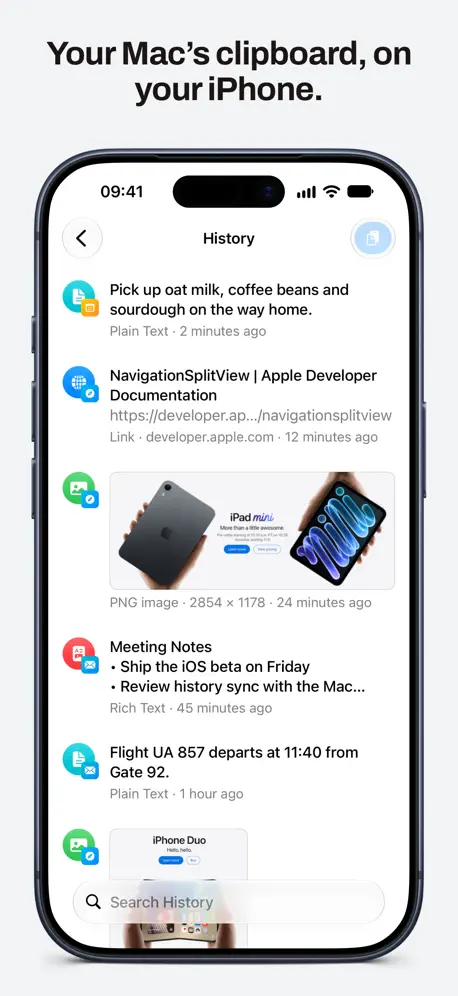
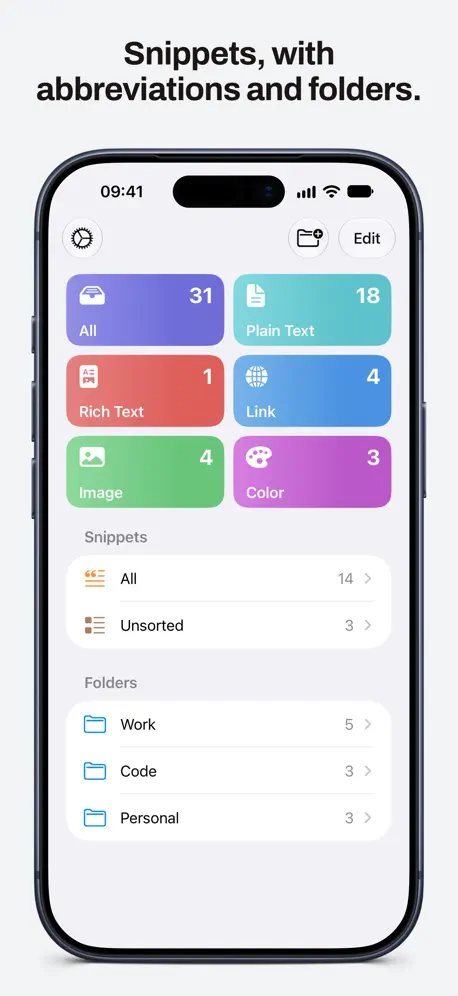
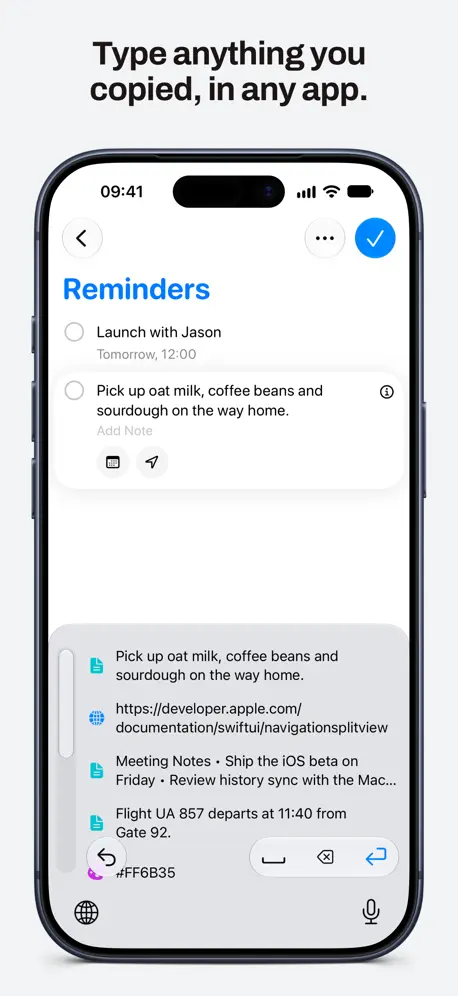
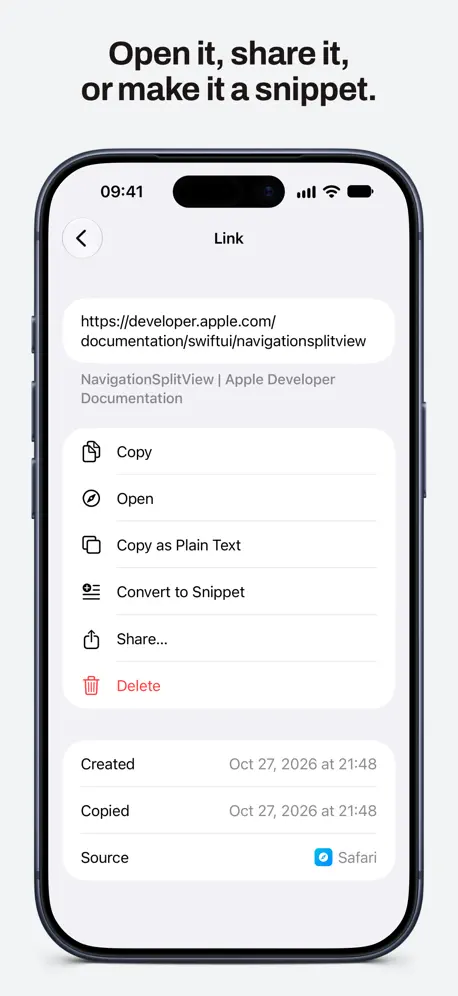
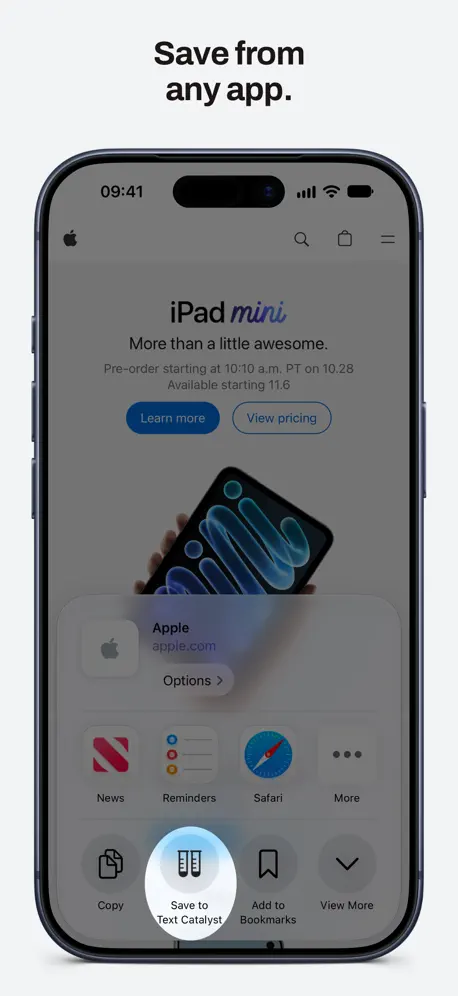
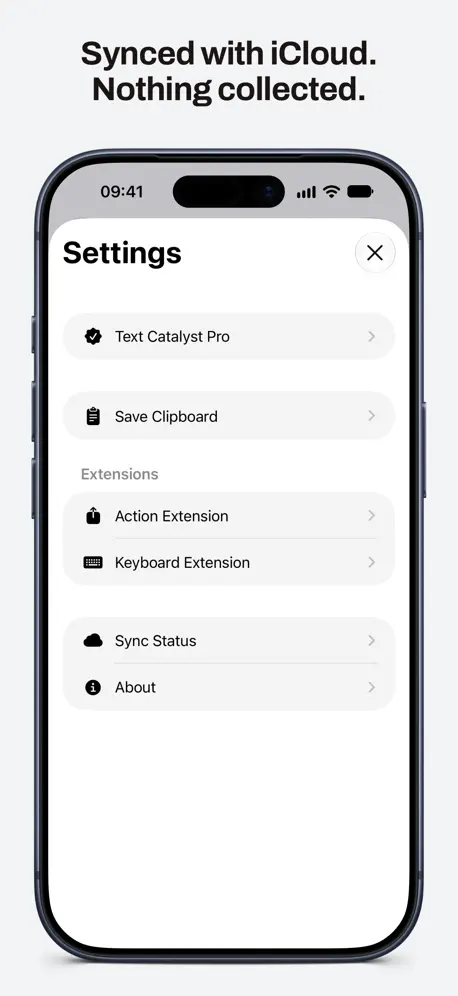
Text Catalyst keeps what you copy. On your Mac it is a clipboard manager and snippet expander; on your iPhone it is the same history and the same snippets, synced with iCloud, and a keyboard that types any of it into any app. YOUR MAC’S CLIPBOARD, ON YOUR IPHONE Copy a link, a paragraph, an image or a color on your Mac and it is on your iPhone moments later, with the app it came from. Tap to copy it, open it, share it or turn it into a snippet. A KEYBOARD THAT TYPES YOUR HISTORY Switch to the Text Catalyst keyboard in Messages, Mail, Safari or anywhere else and tap an item to type it. Your history and your snippets, without leaving the app you are in. The keyboard needs Allow Full Access to read the app’s data; it collects nothing. SAVE FROM ANY APP Tap Share in any app and choose Save to Text Catalyst to keep text, links and images. Or copy on your iPhone and open Text Catalyst: what you last copied is saved. SNIPPETS, WITH ABBREVIATIONS AND FOLDERS Write the things you type again and again once: signatures, addresses, replies, code. Give each an abbreviation, sort them into folders, and type them from the keyboard. On the Mac, the abbreviation expands as you type. SEARCH EVERYTHING, EVEN IMAGES Search finds history and snippets by their text, and images by the text in them: Text Catalyst reads screenshots and photos on your device, so a word inside a picture is enough to find it again. PRIVATE Your history is yours. It stays on your devices and in your own iCloud account, and Text Catalyst collects nothing. TEXT CATALYST PRO Try everything free for 7 days. After that, a single one-time purchase unlocks Text Catalyst on your iPhone and your Mac, with no subscription. Text Catalyst for Mac is available from the Mac App Store. The iPhone app also works on its own. Privacy policy: https://textcatalyst.com/privacy-policy Terms of service: https://textcatalyst.com/terms-of-service
| Size | 21.2 MB |
|---|---|
| Initial release | |
| Price | |
| Platforms | Mac and iPhone |
| Languages | English, French, German, Italian, Japanese, Korean, Polish, Portuguese, and 5 more |
| Category | Productivity |
| Compatibility | |
|---|---|
| iPhone | Requires iOS 26.0 or later. |
| Mac | Requires macOS 14.0 or later. |
| Apple Vision | Requires visionOS 26.0 or later. |
App's data is regularly updated.
Last update:
- Add Sync Status pane in Settings. - Prepare underlying database for future.