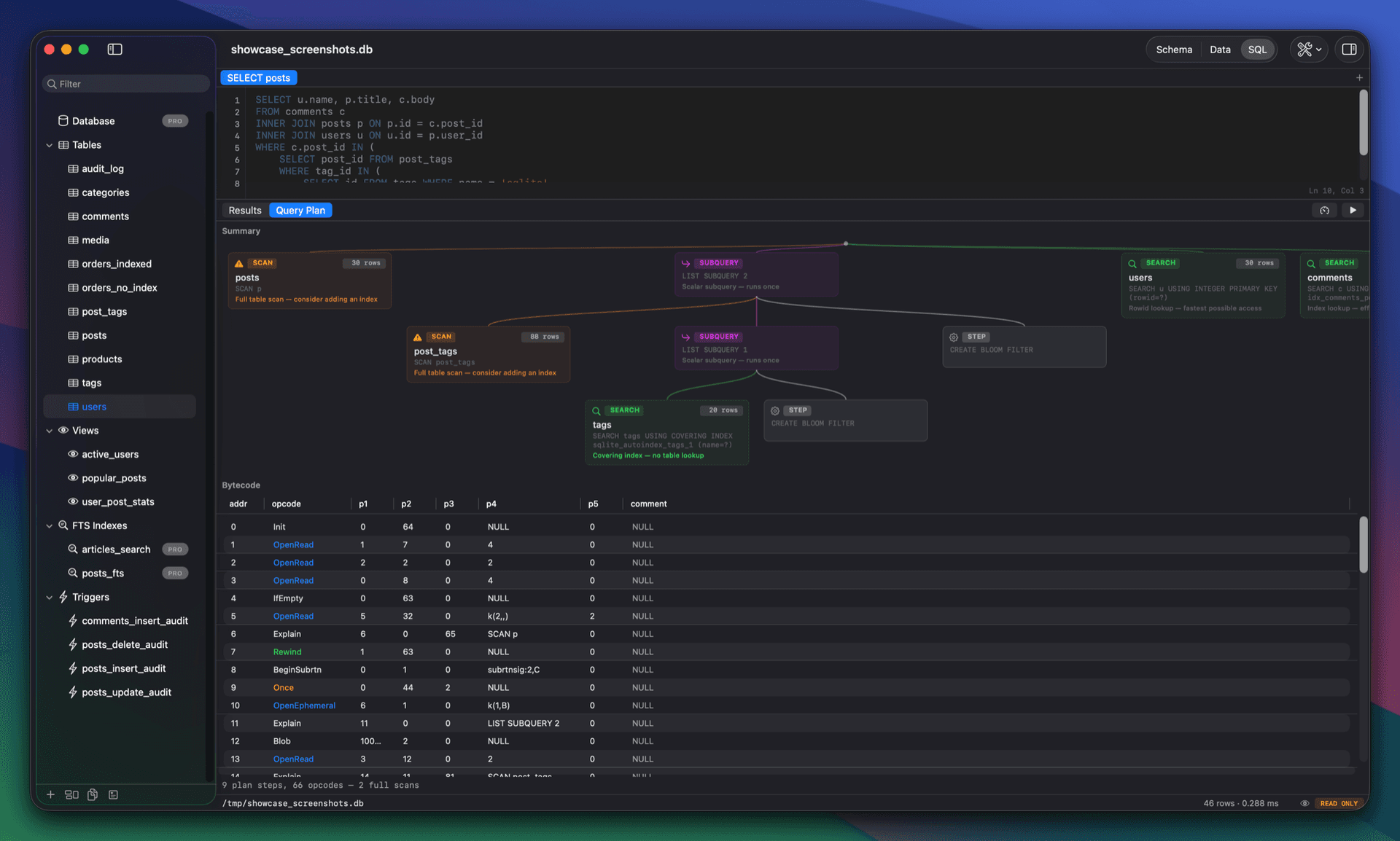
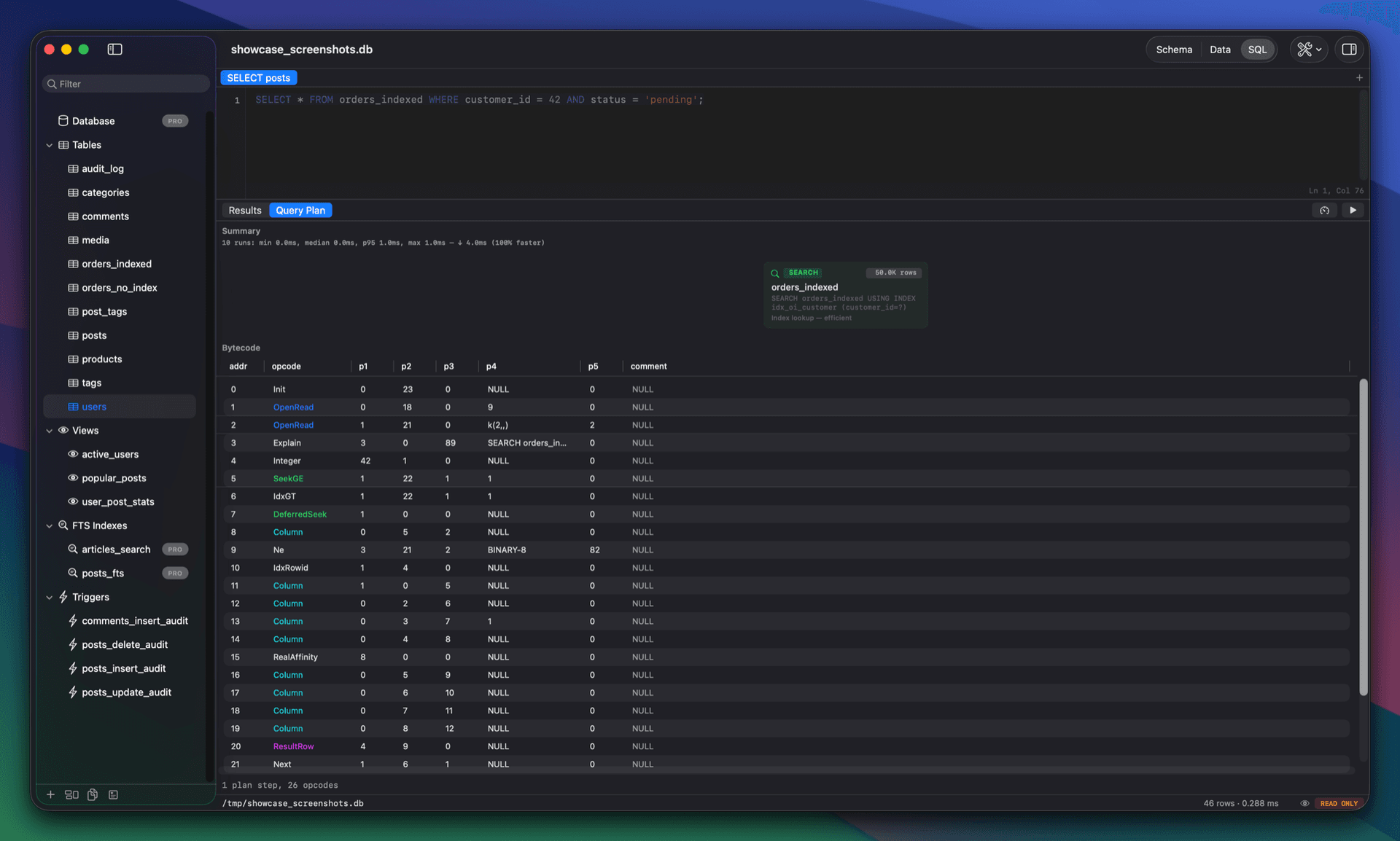
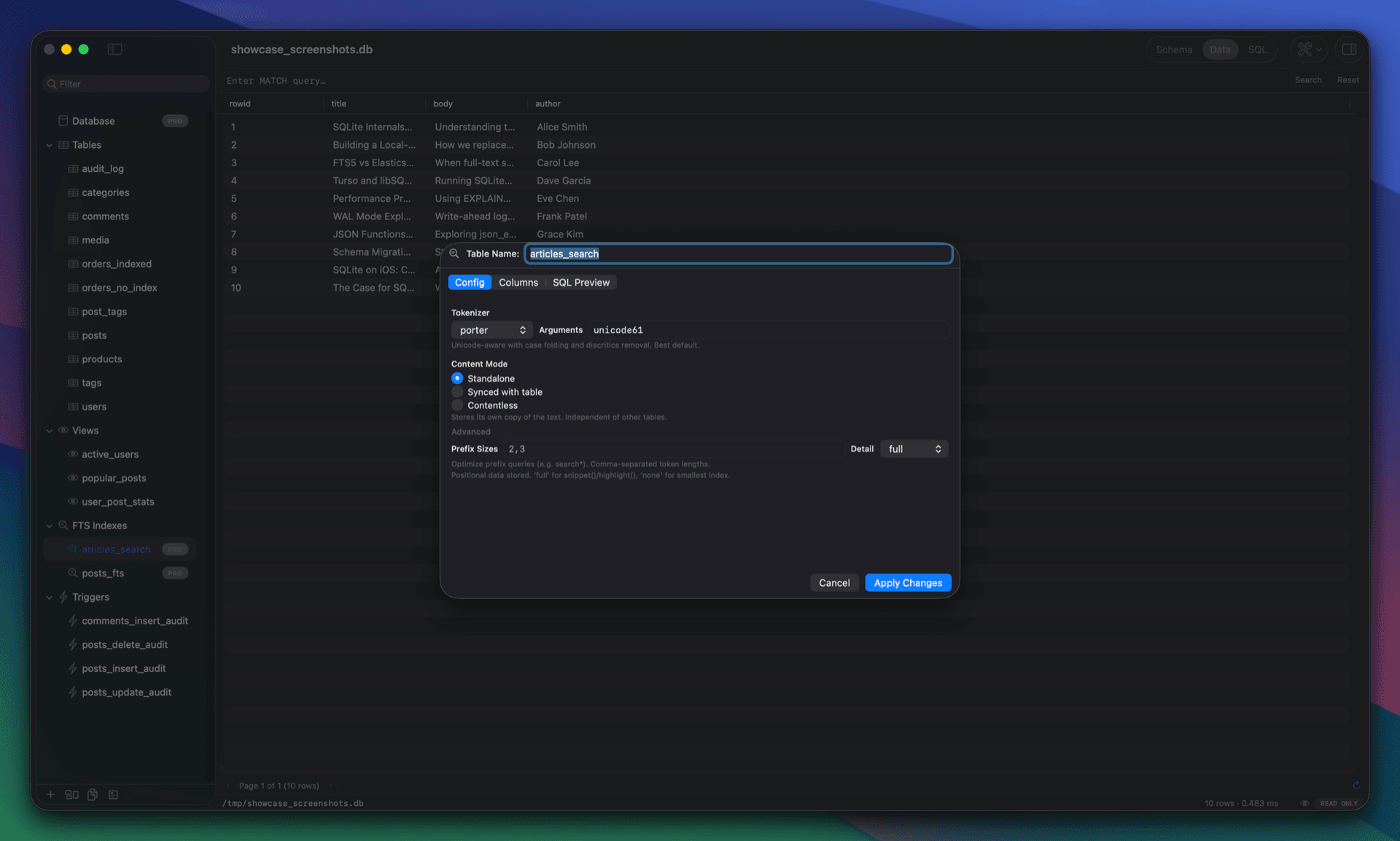
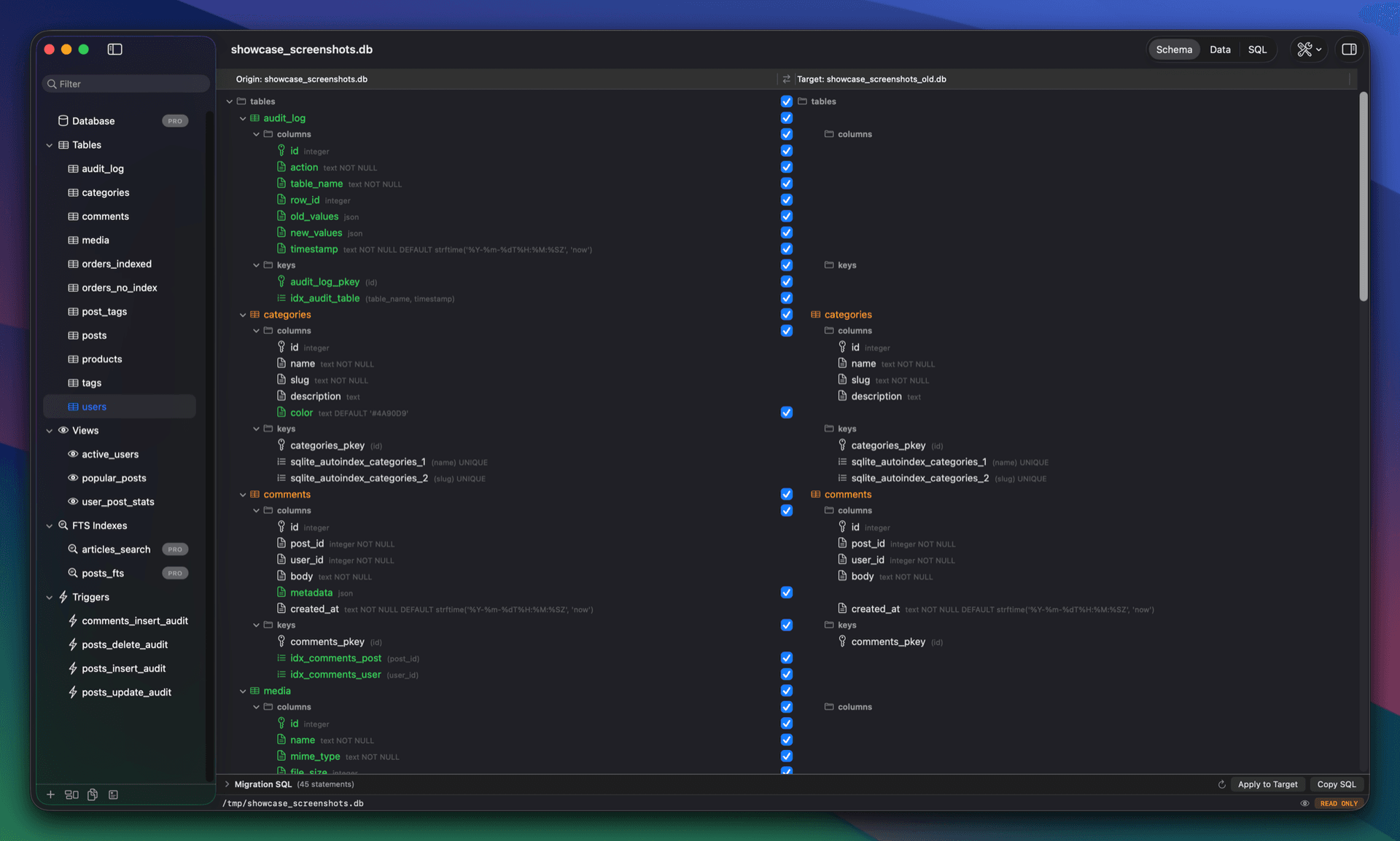
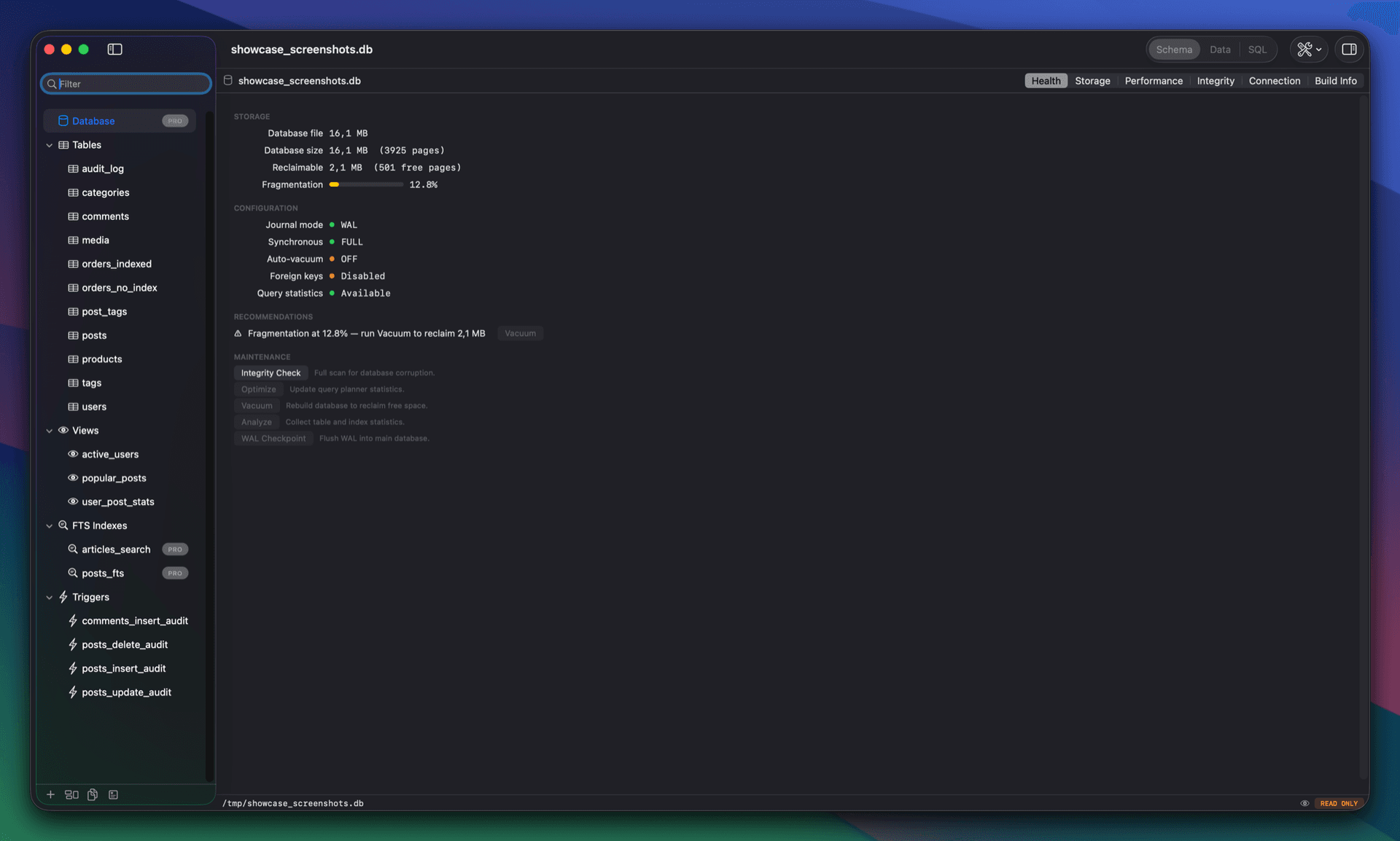
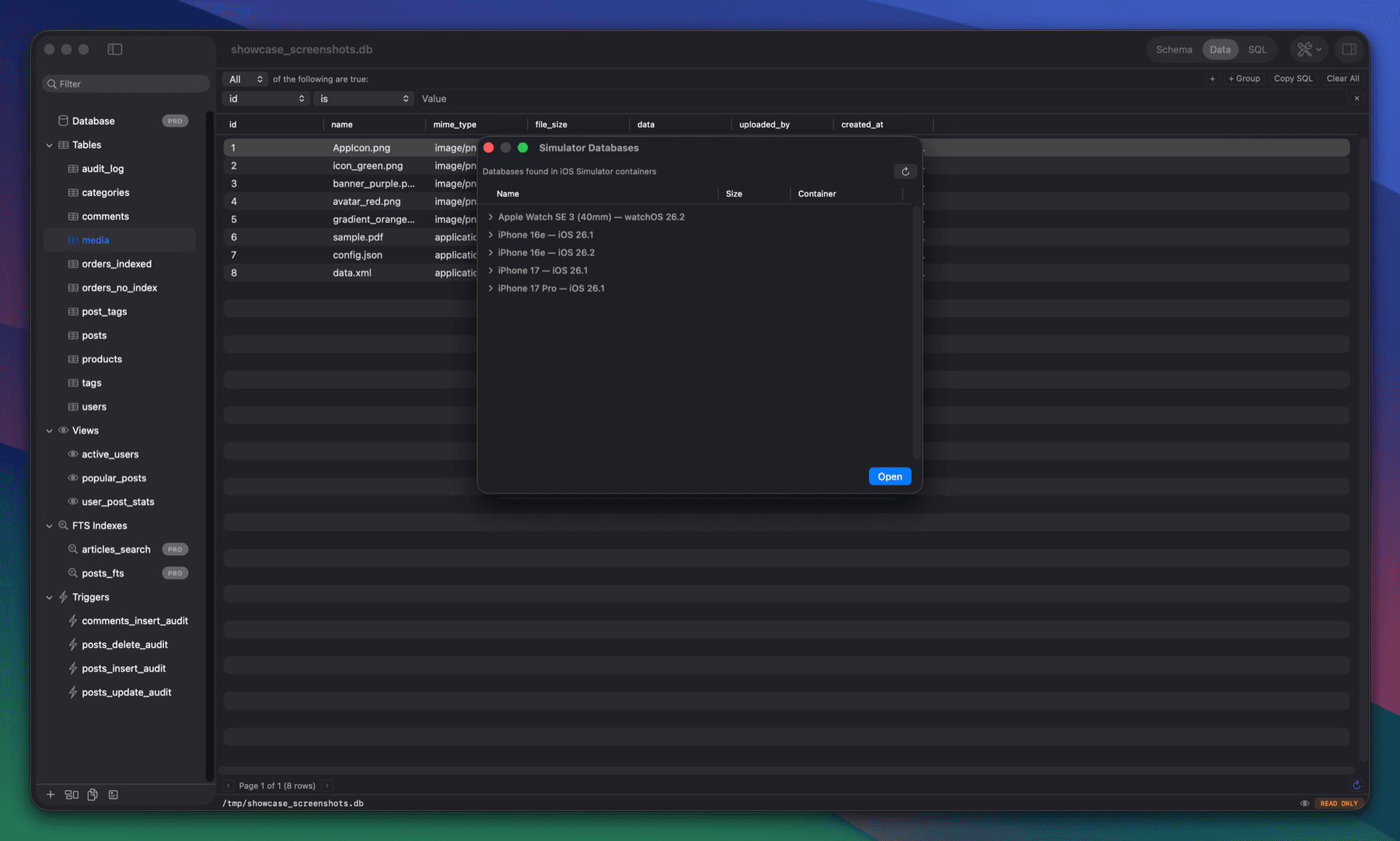
QueryLight is a SQLite client for macOS, written in Swift and AppKit. It only works with SQLite, and that won't change: the idea is to go further into one database than a general tool can. It draws EXPLAIN QUERY PLAN as a diagram and can run a query repeatedly to show which step takes the time. It manages FTS5 tables, inspects PRAGMAs and database health, and compares two schemas and writes the migration SQL. There are also ER diagrams, a tree view for JSON columns, BLOB previews, and a browser for databases in the iOS Simulator, Core Data stores included. Files open read-only by default. It handles SQLCipher-encrypted databases and connects to Cloudflare D1 and Turso. Requires macOS 14. All features are free for 7 days. After that the basic editor stays free, and the SQLite tools are a one-time purchase. No subscription, no account.
| Initial release | |
|---|---|
| Price | $27 |
| Platforms | Mac |
| Category | Developer Tools |
| Website | querylight.app |
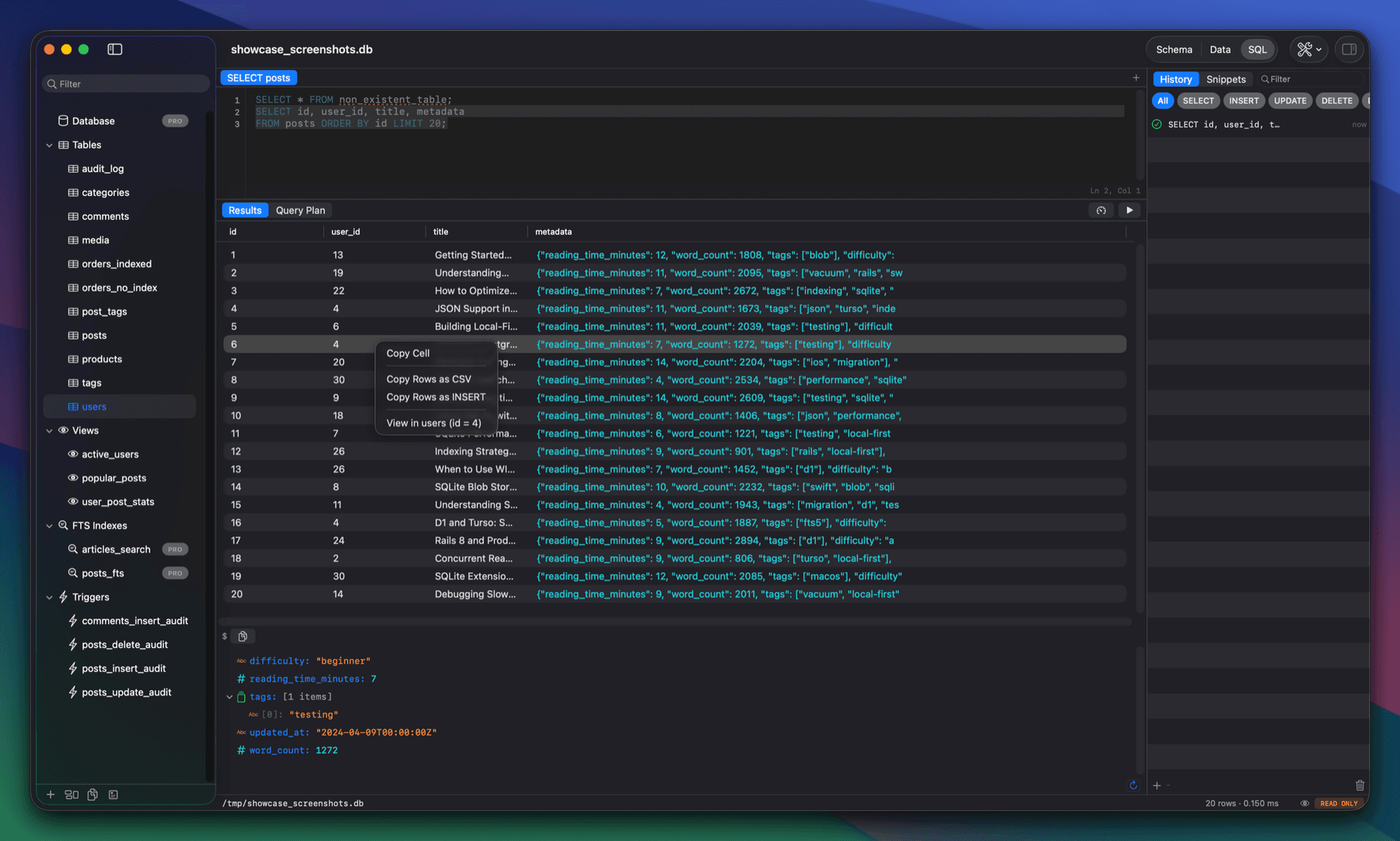
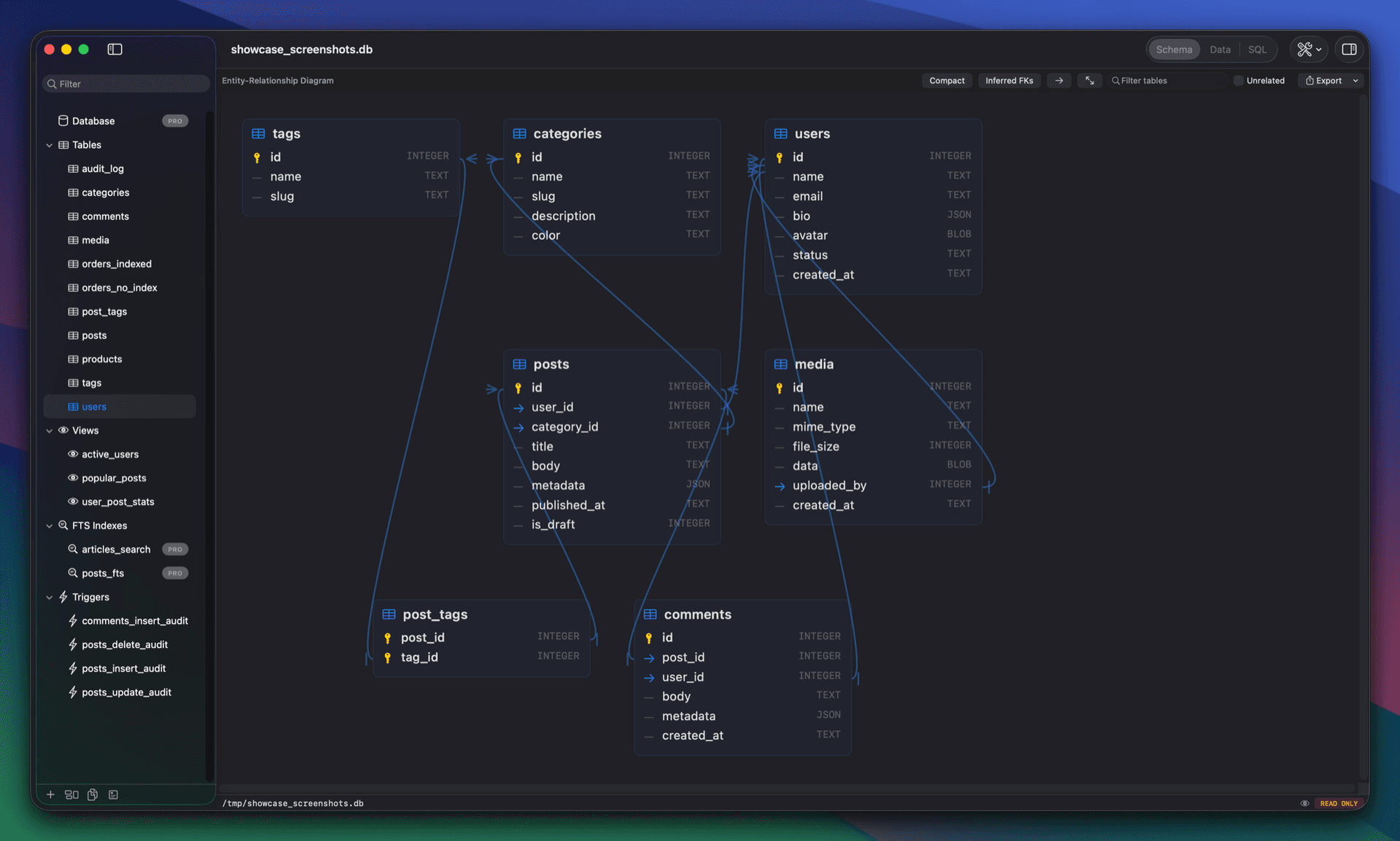
QueryLight 1.0.3 • External Changes names the row that changed. When another process writes to an open database, the feed shows the table, row and column, with the old and new value. Double-click an entry to open that row. • Create virtual tables. Build an R-tree, a vec0 table or any other virtual table your connection supports, including modules from loaded extensions. A Check button tries your arguments on a throwaway database first. • Tables are their own Spotlight results. Search for a table name and Spotlight lists the table. Choosing it opens the database on that table. • The editor follows Light and Dark Mode. A new System theme, now the default, matches the Mac's appearance. A theme you already picked stays as it is. • Export just the rows you selected. The export sheet asks which rows to write: all of them, the current page, or your selection. • Bulk snapshot deletion. Delete every schema snapshot for a database, or everything older than a given one. • Settings has an External Changes section. Auto-refresh, row detail and feed history share one pane, with new options to keep watching while the panel is closed and to open the panel on the first change. • Bug fixes and improvements. The ER diagram no longer freezes on foreign keys that point back at their own table. ⌘W closes whichever window is in front, and VoiceOver and Increase Contrast reach more of the app.