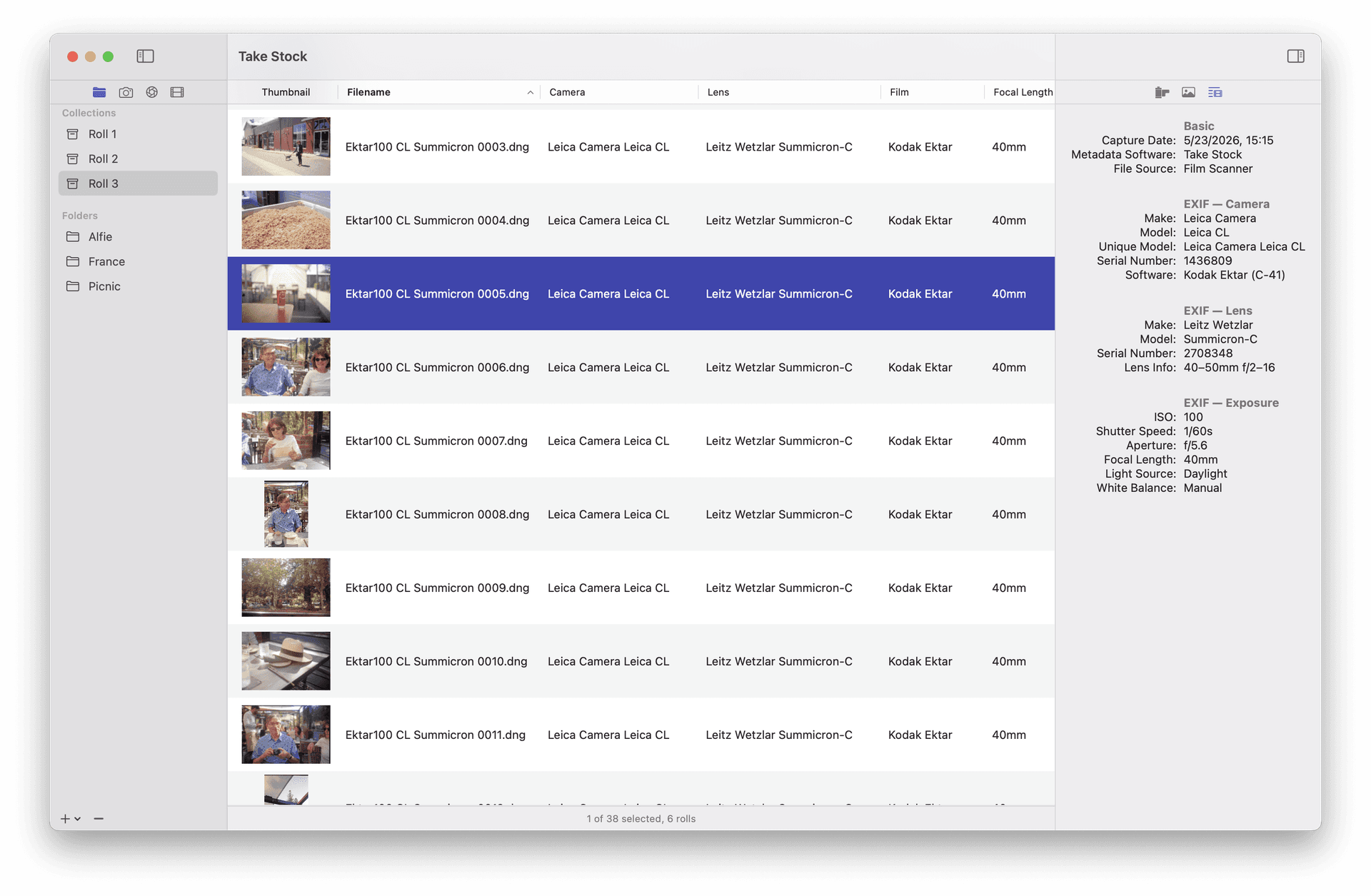
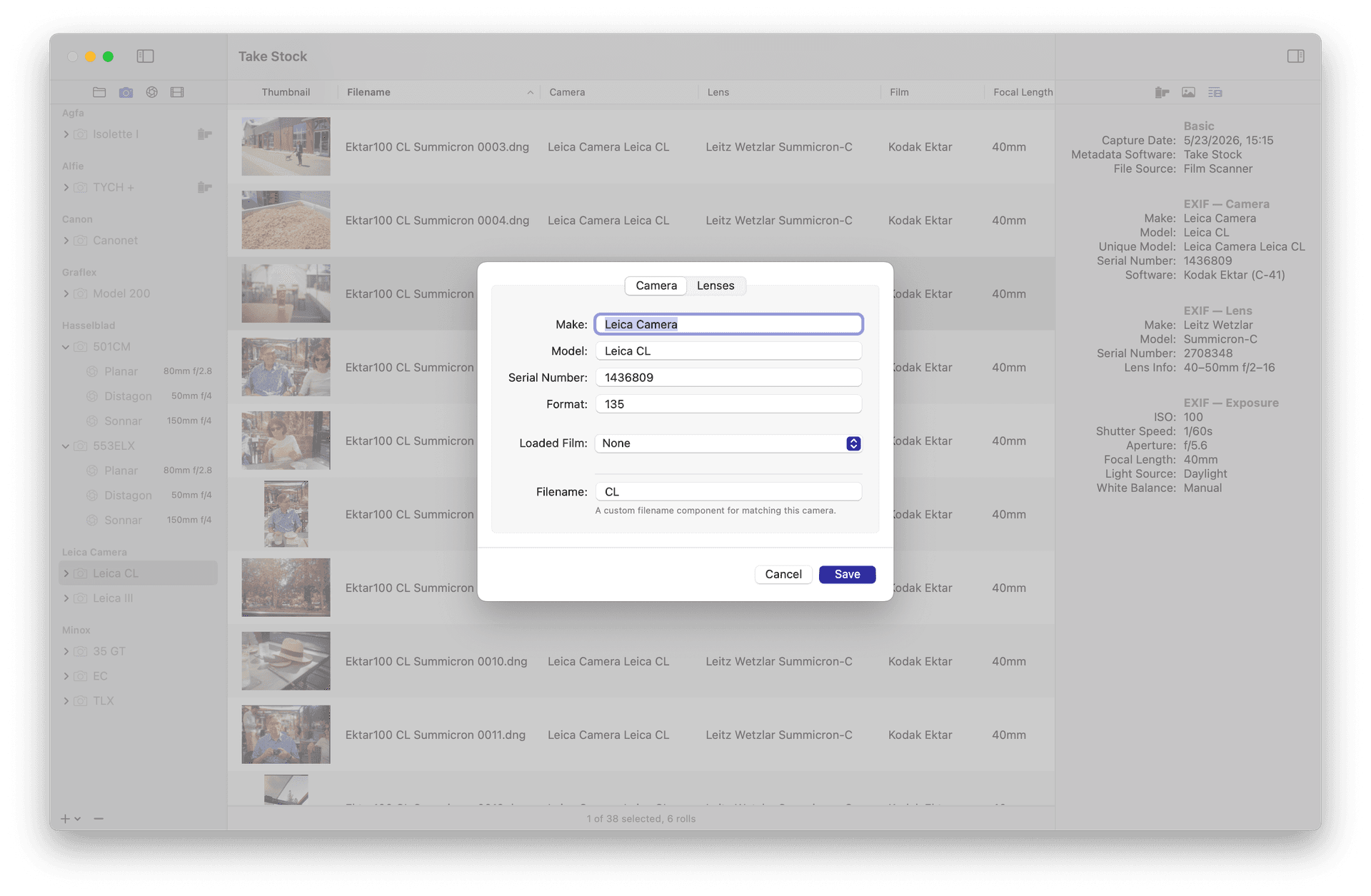
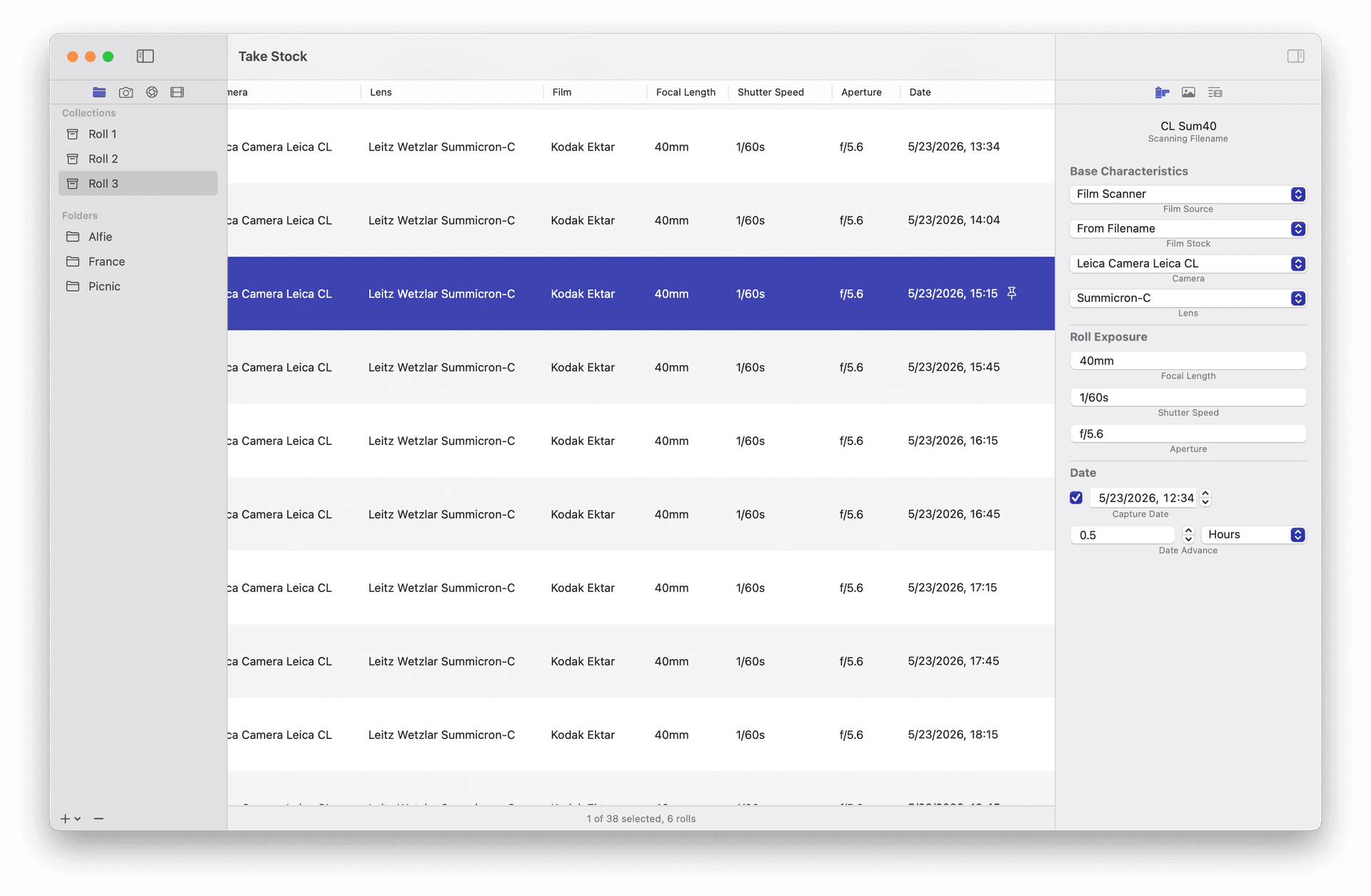
Give your film photos parity with their digital cousins. Add camera, lens, and film stock metadata to your photos. Based on your library of cameras and lenses Take Stock adds complete metadata to your photos. Take Stock uses all of the information available to add the most detailed possible metadata to your photos. Starting with the basics like camera info and exposure settings, all the way down to esoteric tags like the capabilities of the lens.
| Initial release | |
|---|---|
| Price | $35 |
| Platforms | Mac |
| Category | Photo & Video |
| Website | lostcause.photo/projects/takestock |
Added Changed Fixed 2026.3.4 Added a preference for showing filename extensions in the table view Copy Scan Filename toolbar button is now hidden by default Take Stock will check for new releases if running an expired beta Toolbar buttons are enabled correctly based on application state Copy Scan Filename toolbar button can be customized 2026.3.3 A new onboarding view has been added for new users Toolbar buttons for command actions A preference for the aperture style Image viewer includes film roll in title bar Image viewer now has a configurable background color More information is provided if Take Stock can't write metadata The Help menu command now links to the Knowledge Base Useful links for Take Stock in the help menu Collections can be renamed Folders no longer accept dropped images Shutter speed is written to additional tags to expand software compatibility Cancelling creating a new film stock no longer creates a blank film Film Roll inspector controls have the correct styling when there are no rolls Folder & images can now be dropped onto the sidebar ISO speeds are correctly formatted without commas in all cases Lenses assigned to multiple cameras are no longer all selected in the Camera sidebar The capture date is formatted correctly Write errors are shown after first attempt